25
Sep.

One QR code lets your guests browse your menu instantly — with multi-language support, live pricing and stock updates, favorites, and an app-like experience that keeps them coming back.
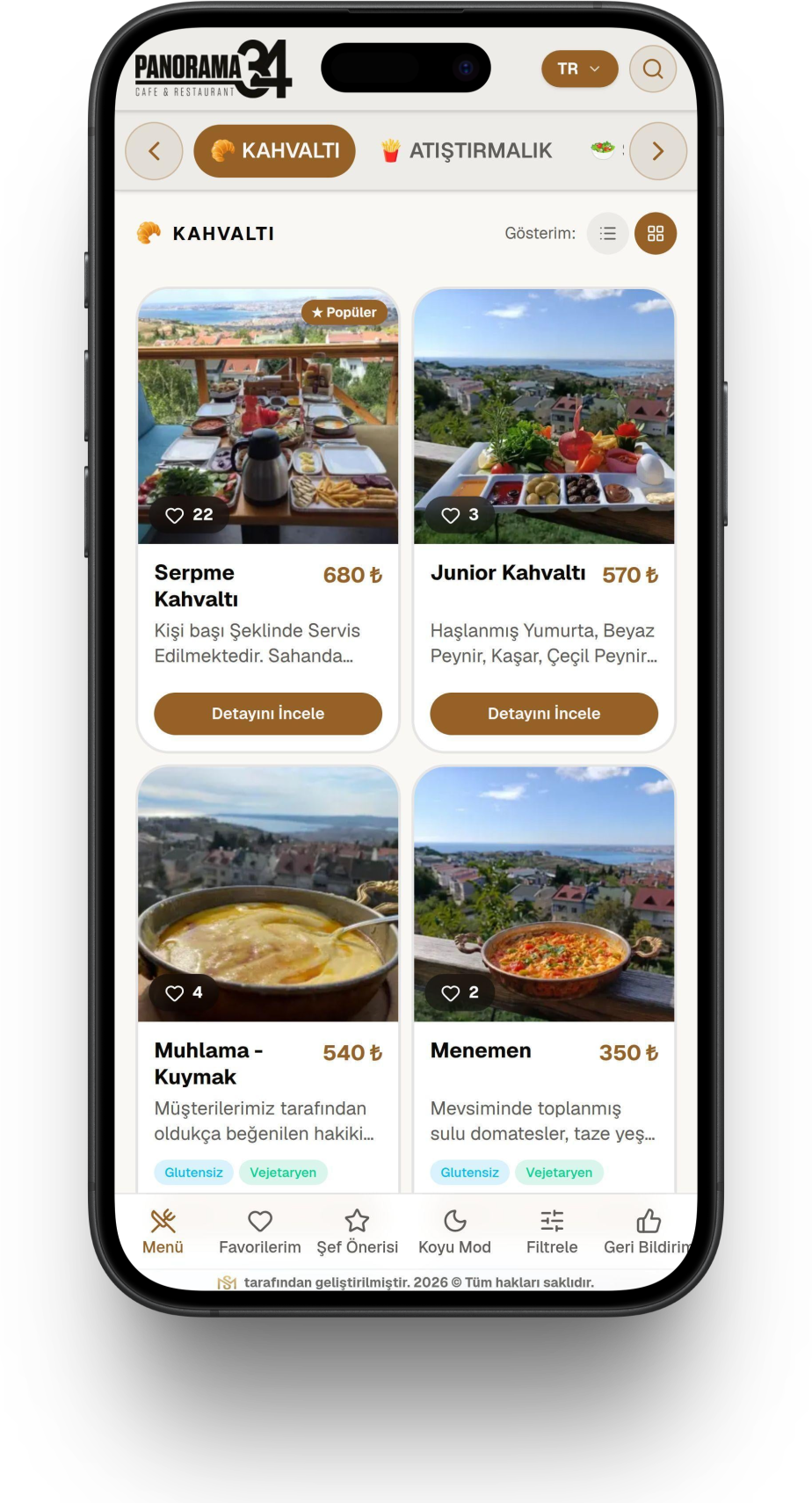
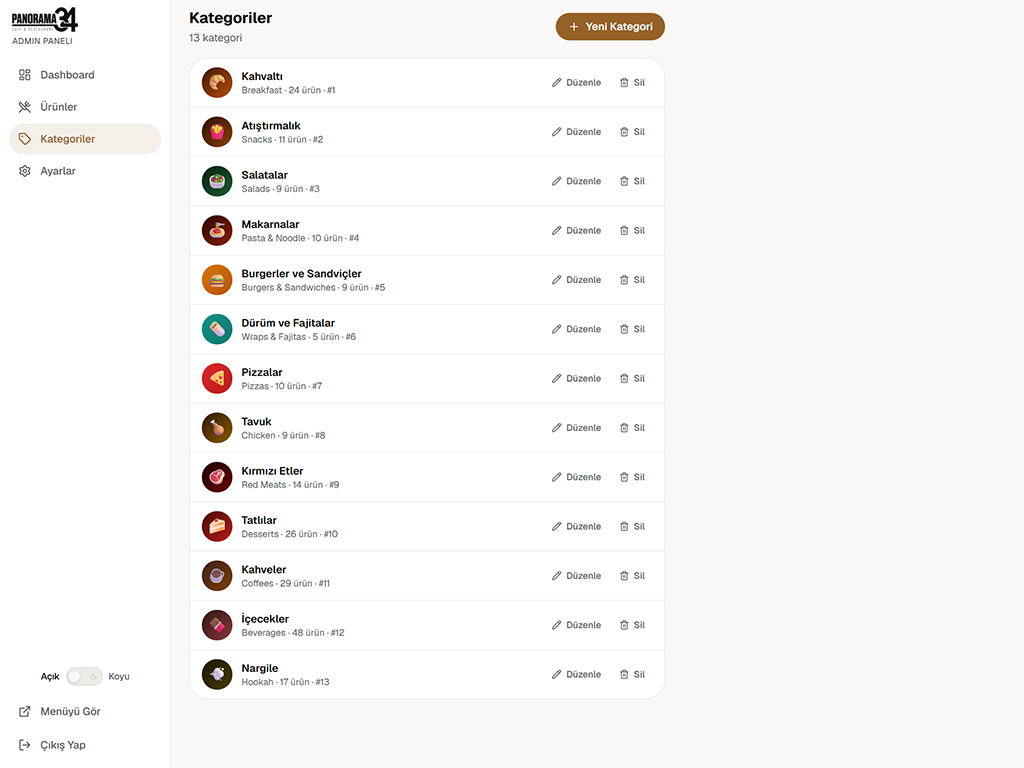
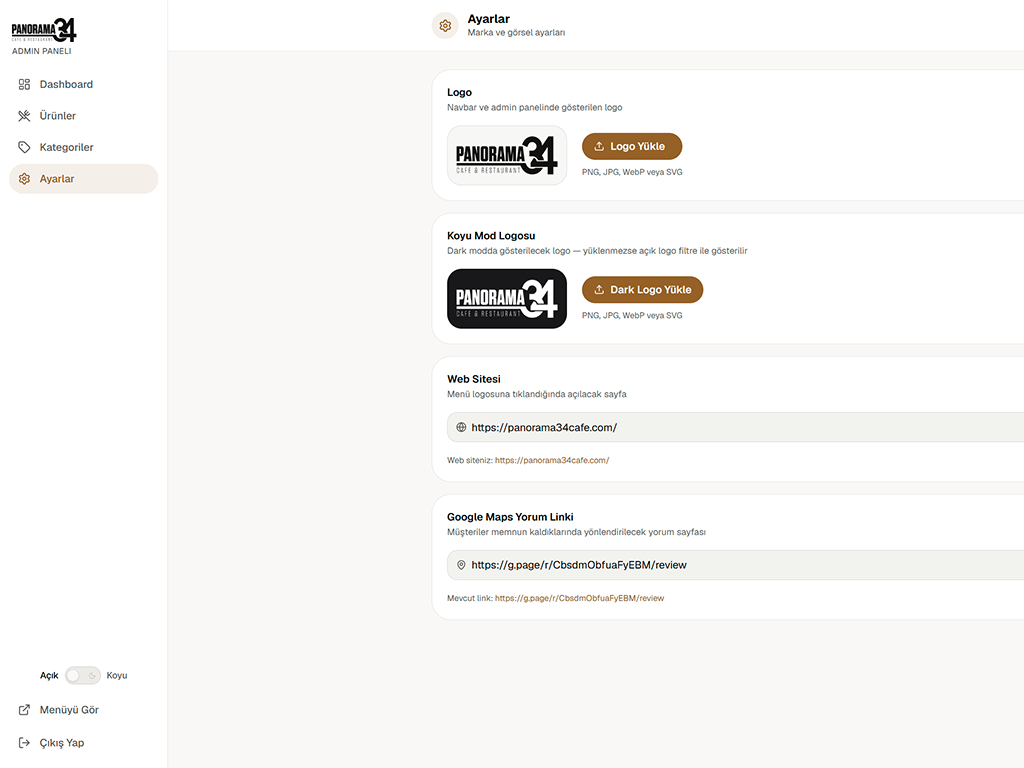
QR AppMenu is a modern solution that lets cafes and restaurants digitize their menus in seconds. With a simple admin panel, multi-language support, and a modern interface, your guests browse your menu with ease while you keep your business up to date.

Update your menu from a single admin panel and see changes reflected instantly across every QR menu. No printing paper menus, no reprint costs — just keep your business up to date.
One QR code — unlimited languages, instant price updates, and a modern experience that impresses your guests. With QR AppMenu, your menu isn't just a list anymore — it's your brand's digital storefront.
The technology behind the scenes keeps your menu loading fast, your data safely stored, and your system running without interruption. While you focus on your business, we keep the technical foundation solid with today's most reliable tools.
Next.js 16
A modern, search-engine-optimized web framework that keeps every page loading fast, powered by Next.js 16
TypeScript
A safe, maintainable software architecture that catches errors while the code is being written, powered by TypeScript
Supabase
A cloud database backbone that keeps your data safely stored and reflects changes in real time, powered by Supabase
PWA
Progressive Web App technology that behaves like a native mobile app, with instant access and no installation required
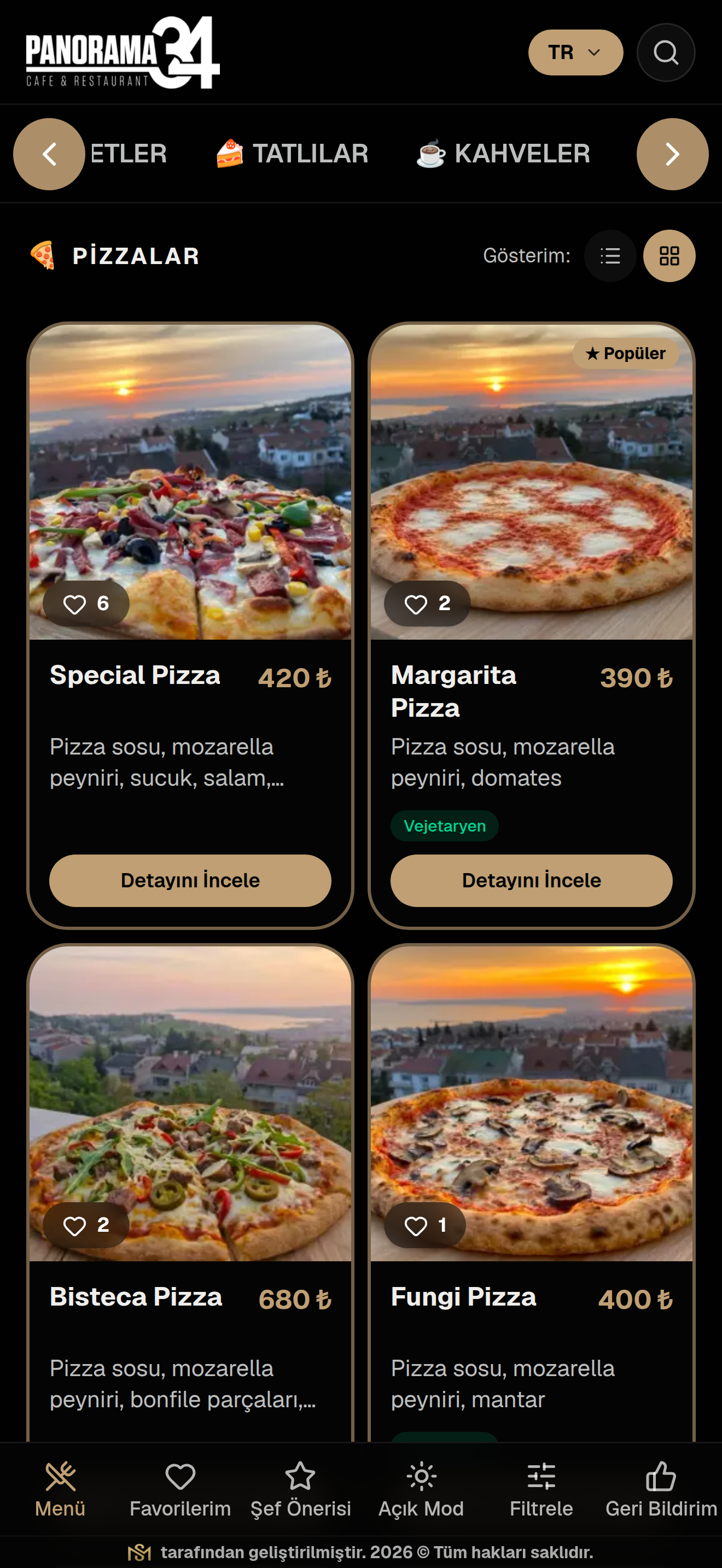
QR AppMenu's digital QR menu interface — with multi-language support, currency-based pricing, allergen filtering, and PWA technology — takes your cafe or restaurant's guest experience to the next level.
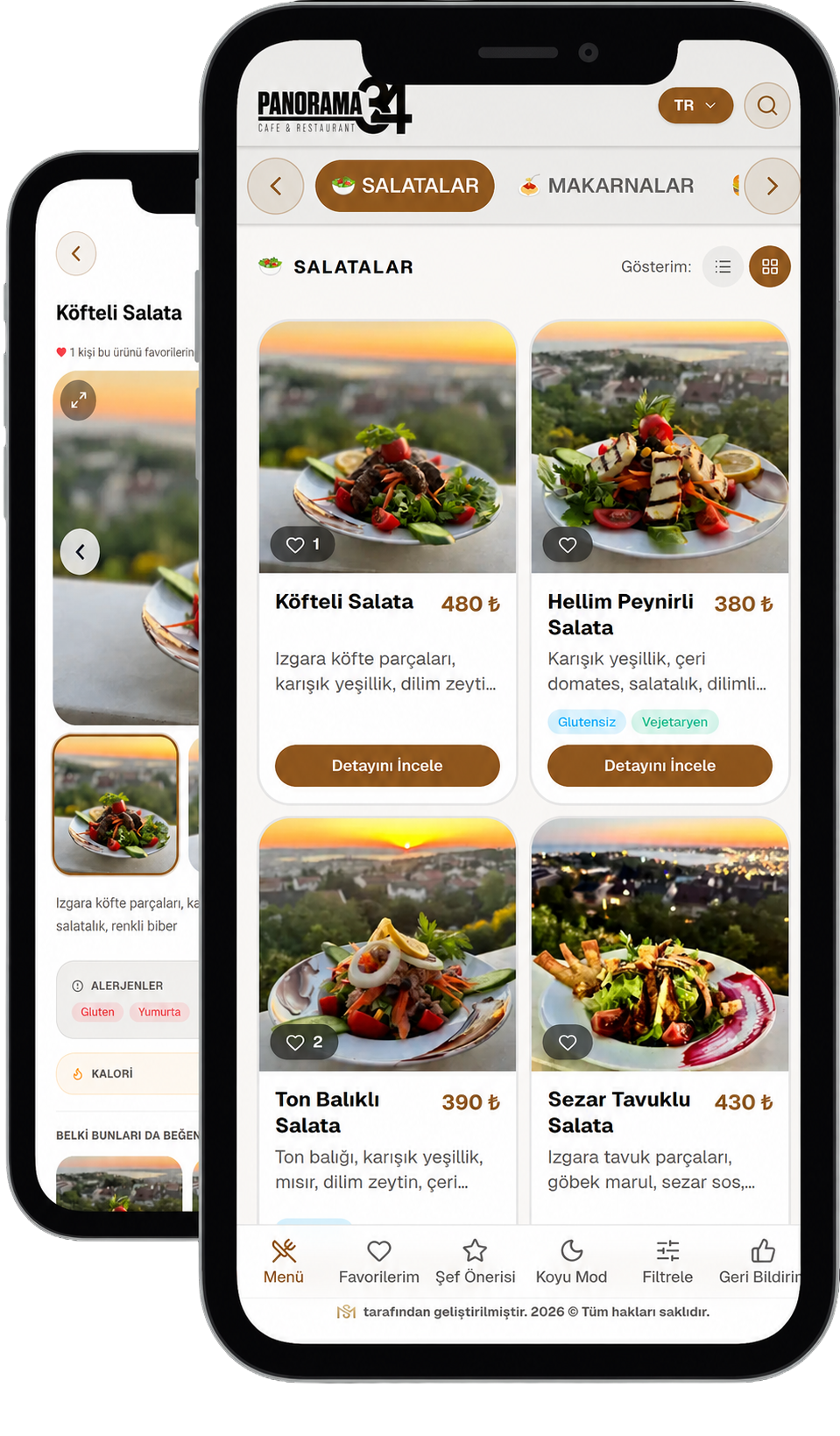
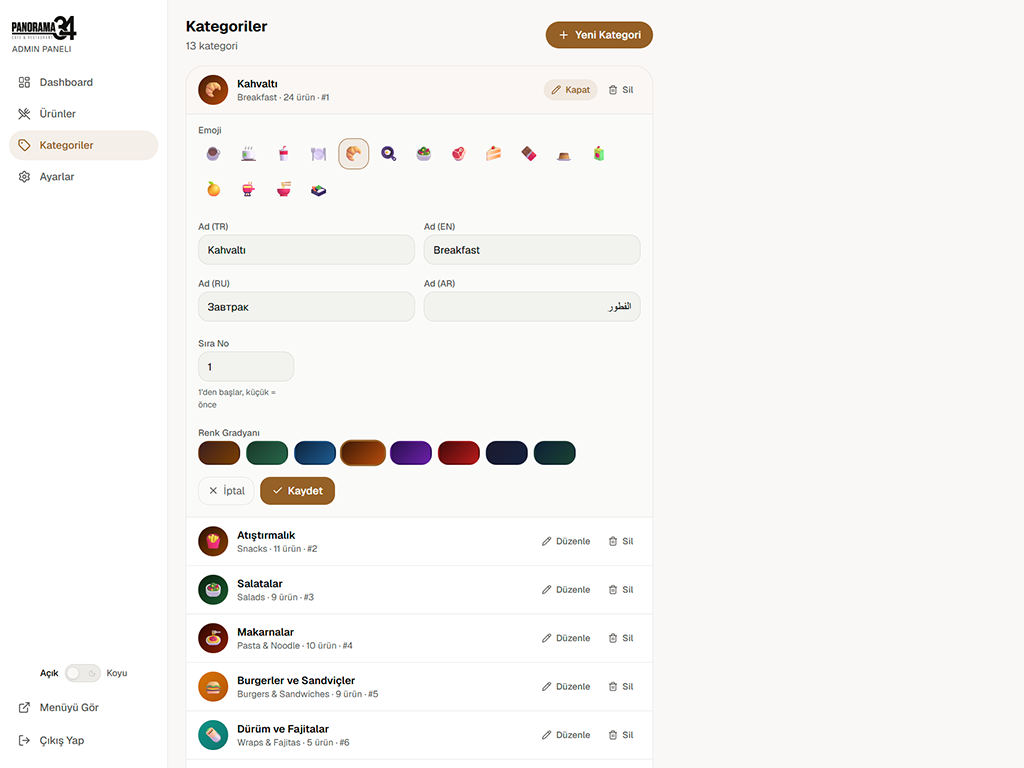
Your menu is available in Turkish, English, Russian, and Arabic, so every guest can browse comfortably in their own language.
Guests viewing your menu in a foreign language automatically see prices in their USD equivalent, based on the current exchange rate.
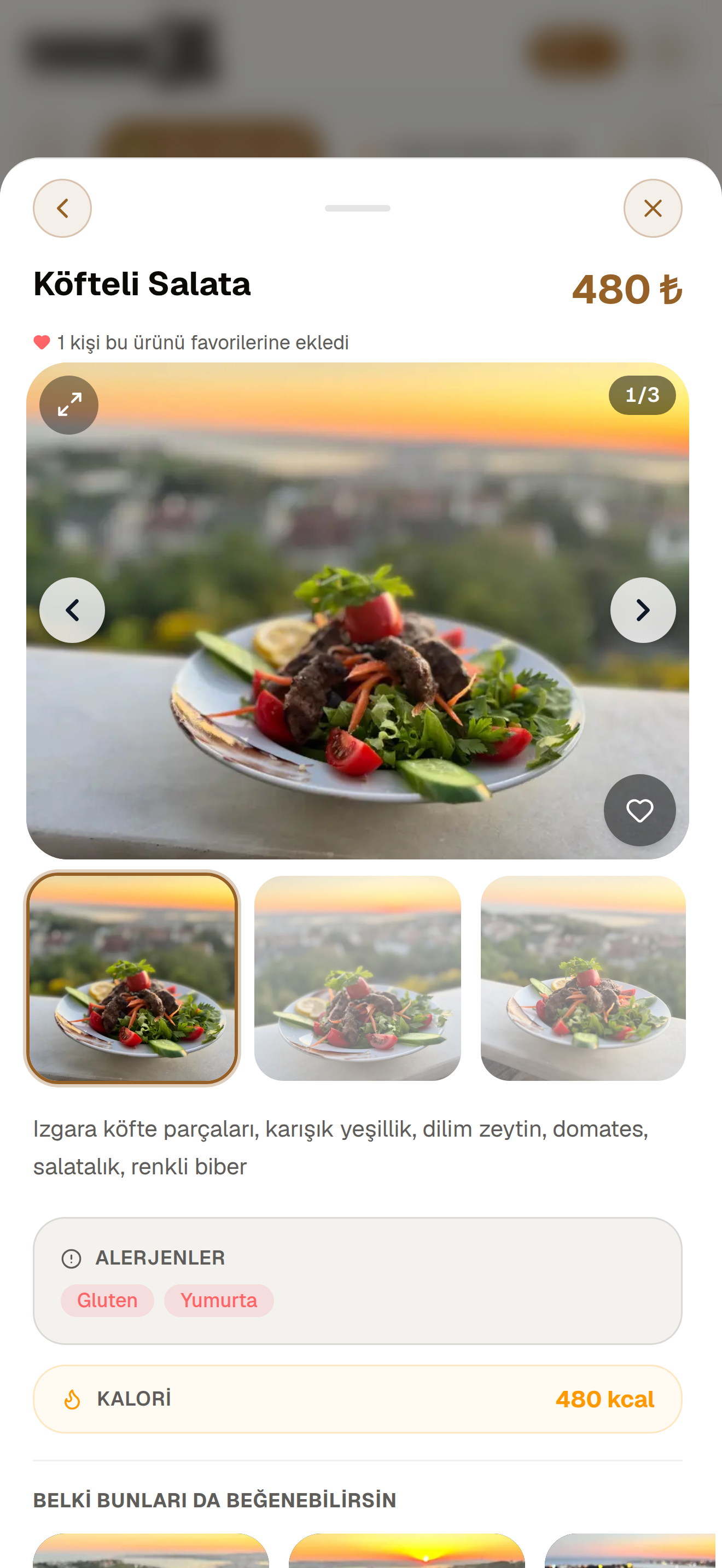
With a dark or light theme tailored to your business, your menu looks great in any setting.
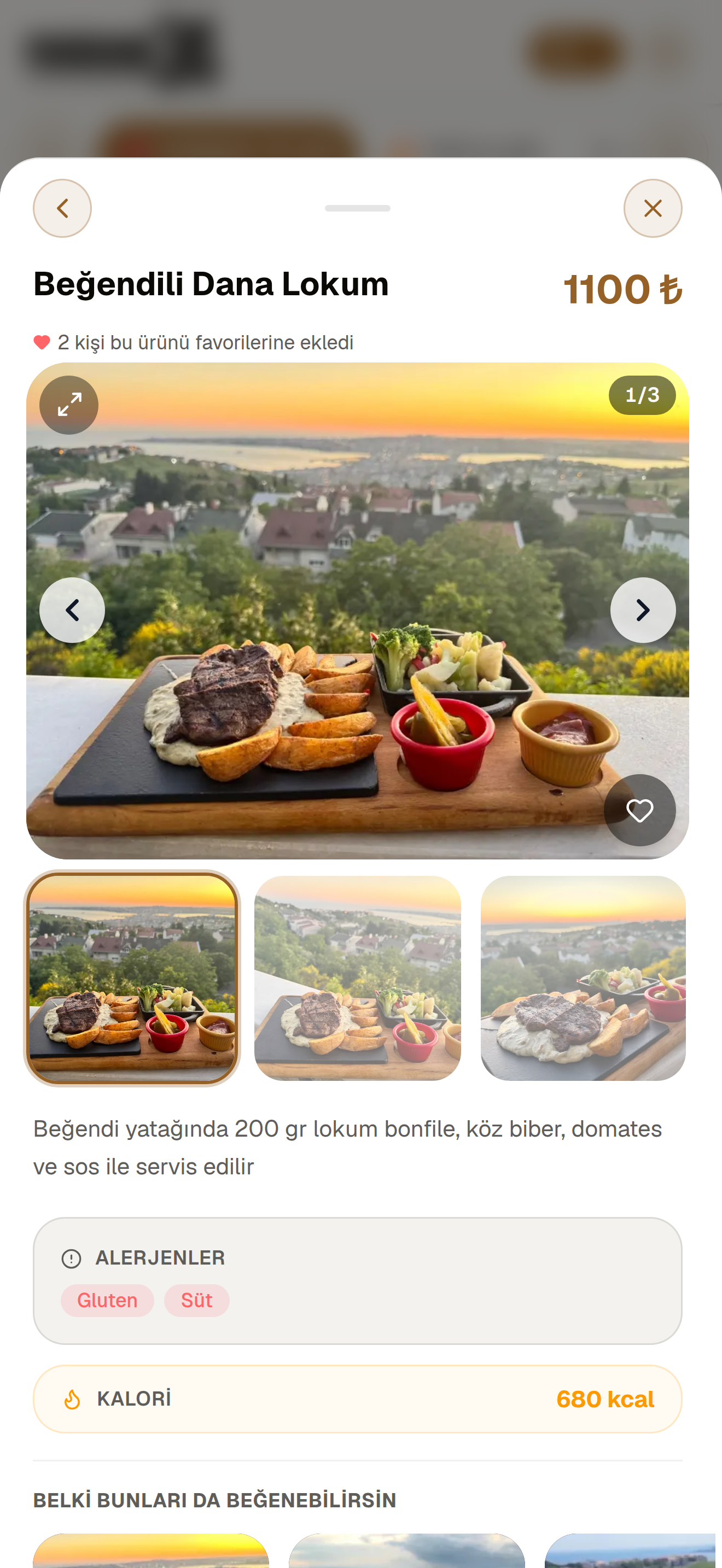
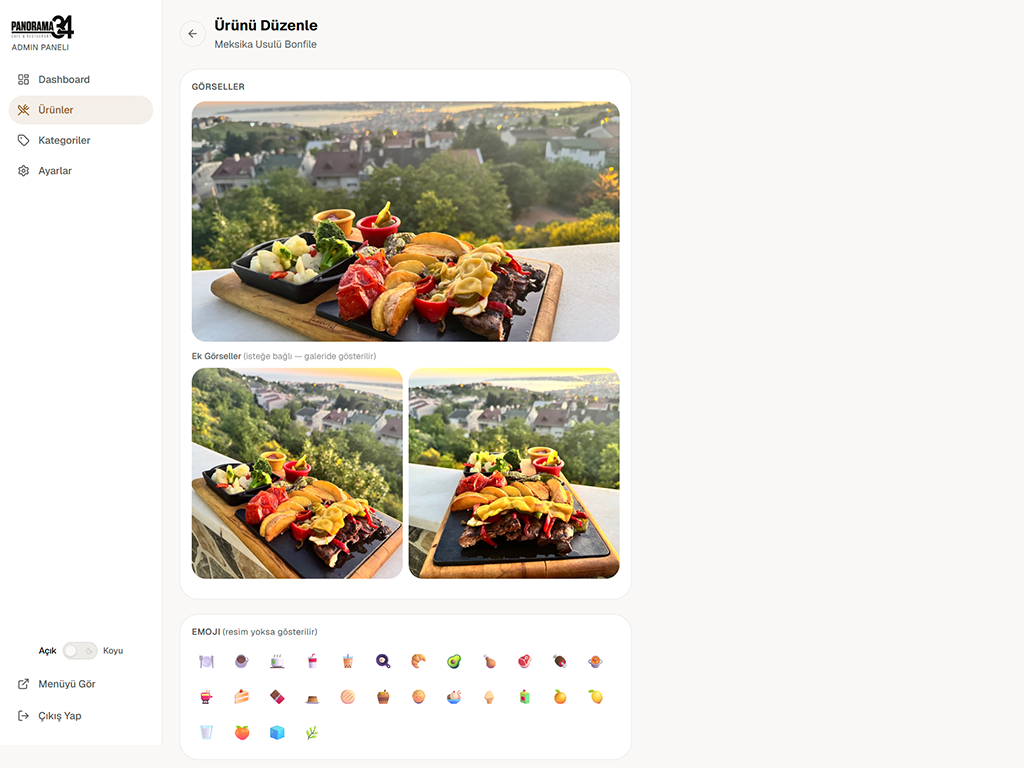
Swipe through multiple photos for every product and discover the taste before you even order.
Every product is presented transparently with its ingredients, photos, and allergen information.
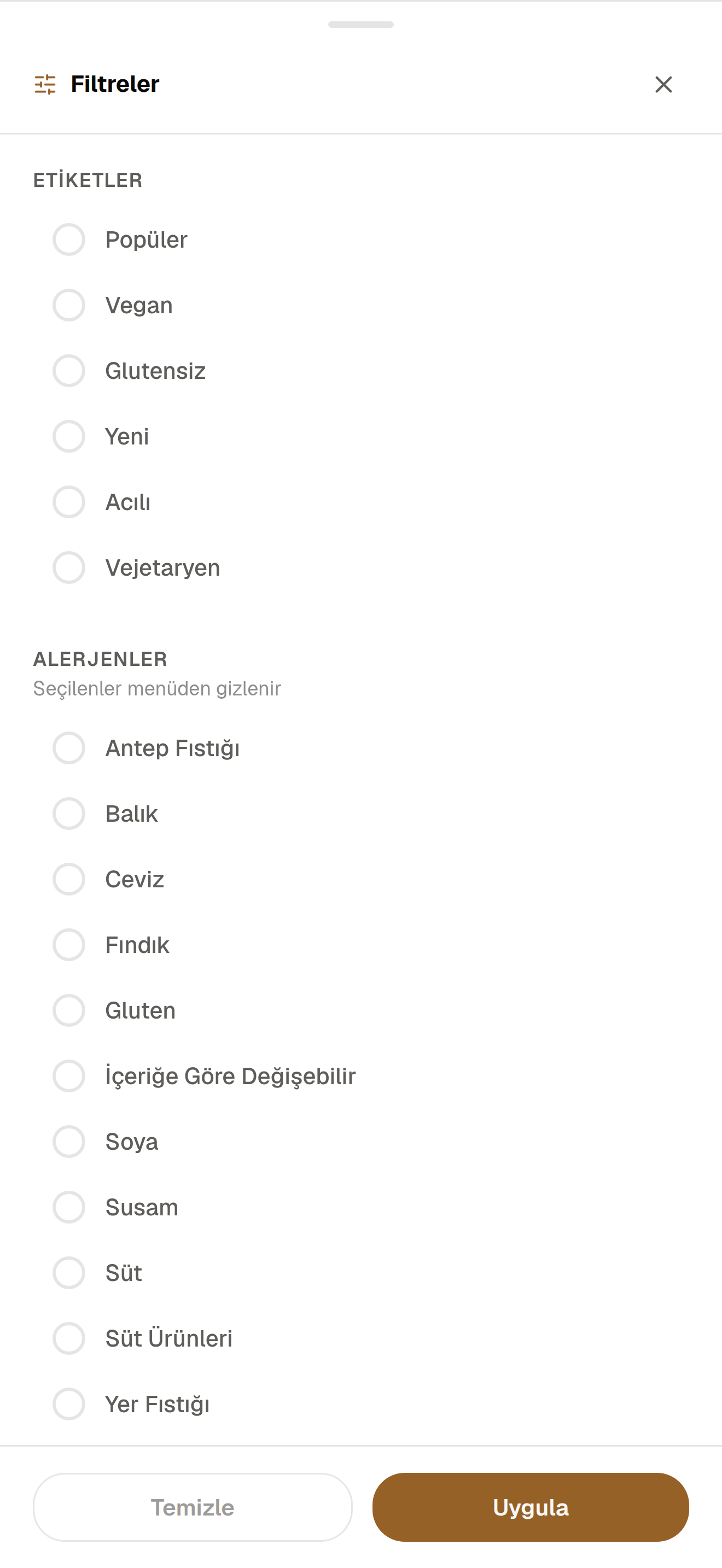
Guests can filter the menu by tags like popular, vegetarian, or gluten-free, or exclude items by allergen.
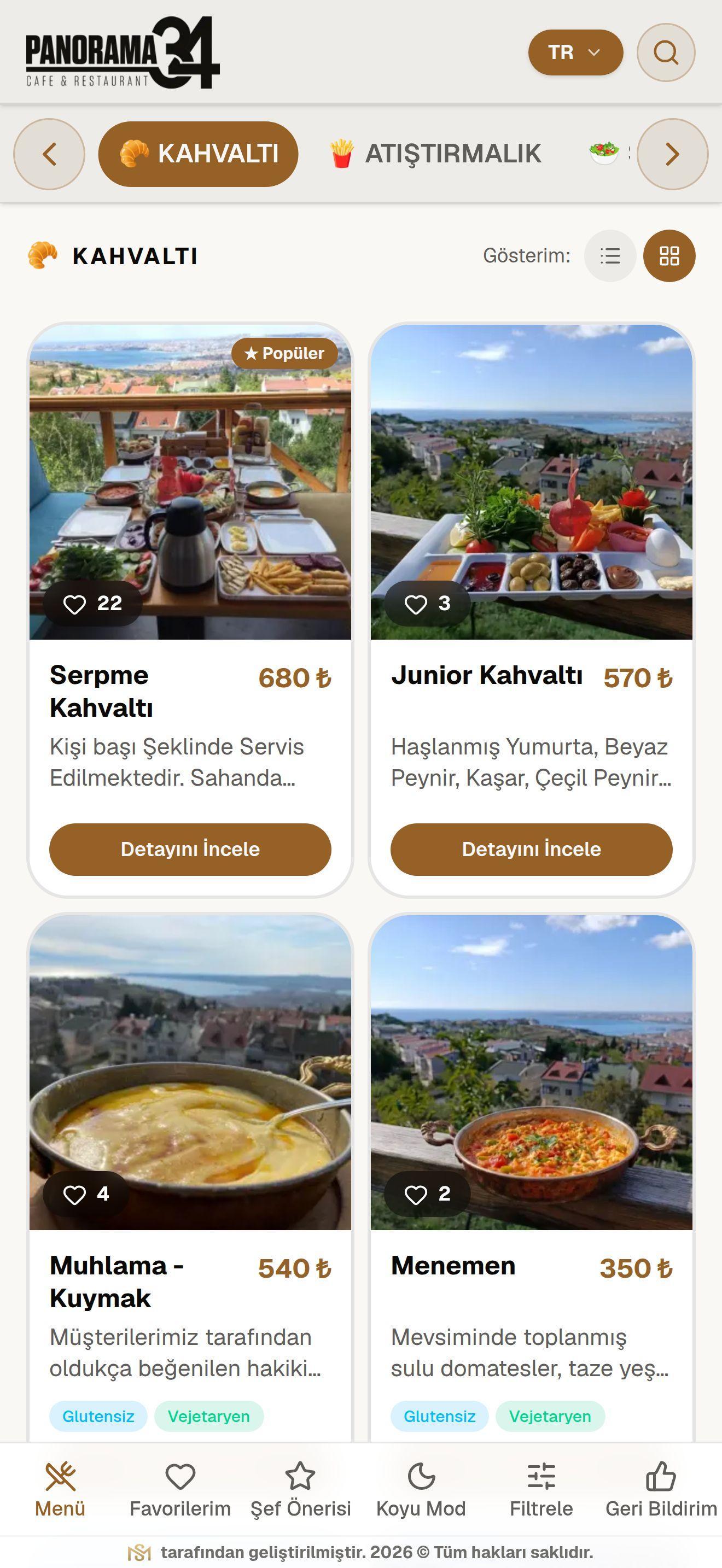
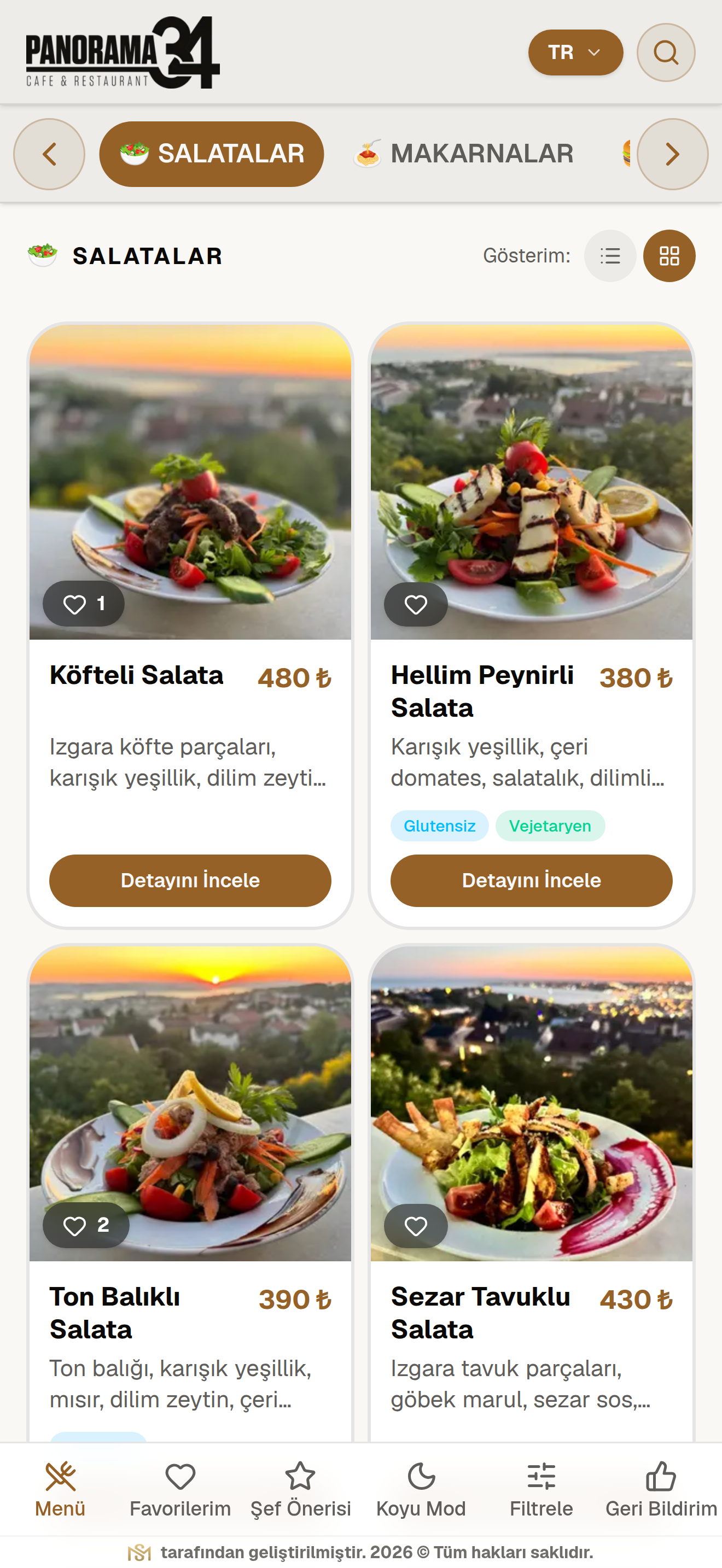
On mobile, guests can browse the menu in either a list or grid layout, whichever suits their preference.
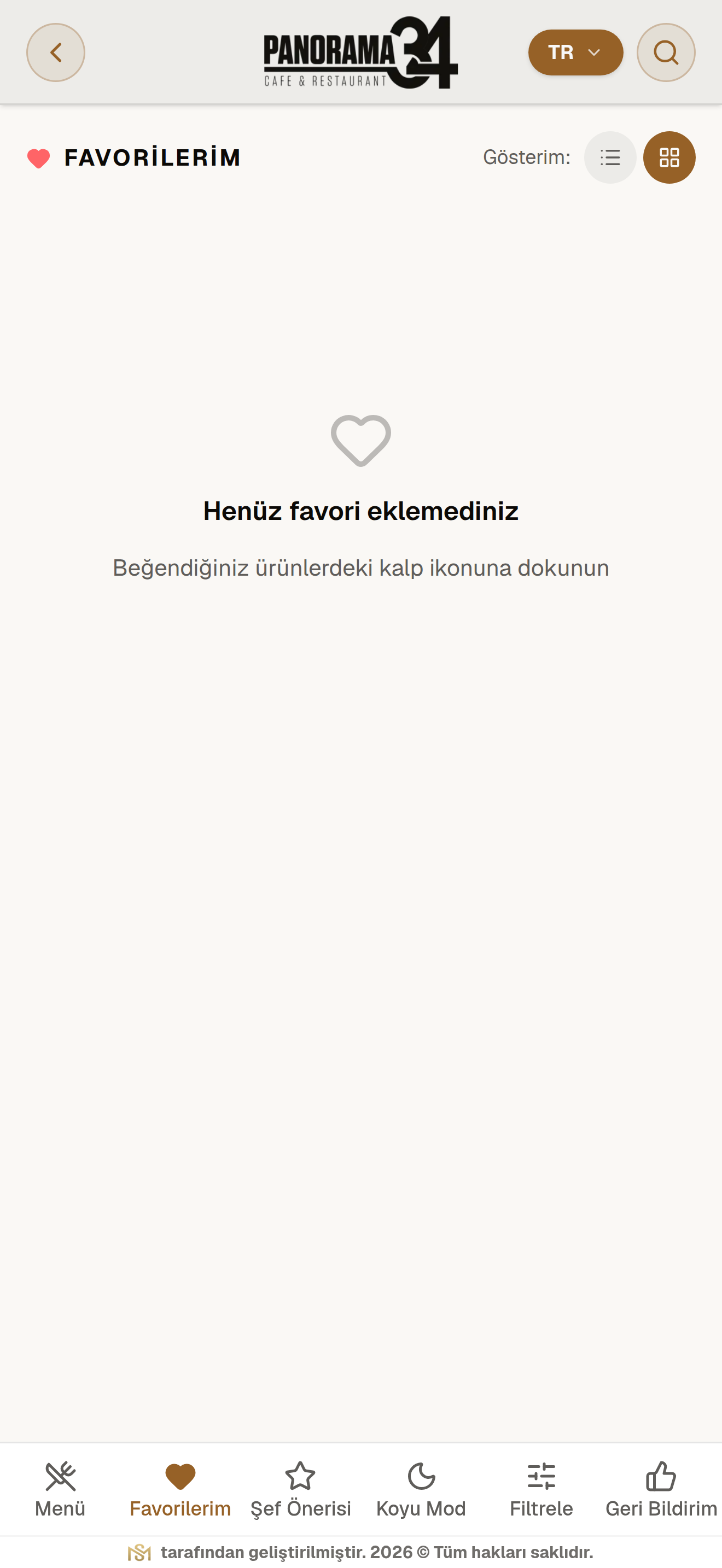
Without signing in, guests can save items they like on their device and easily find them again on their next visit.
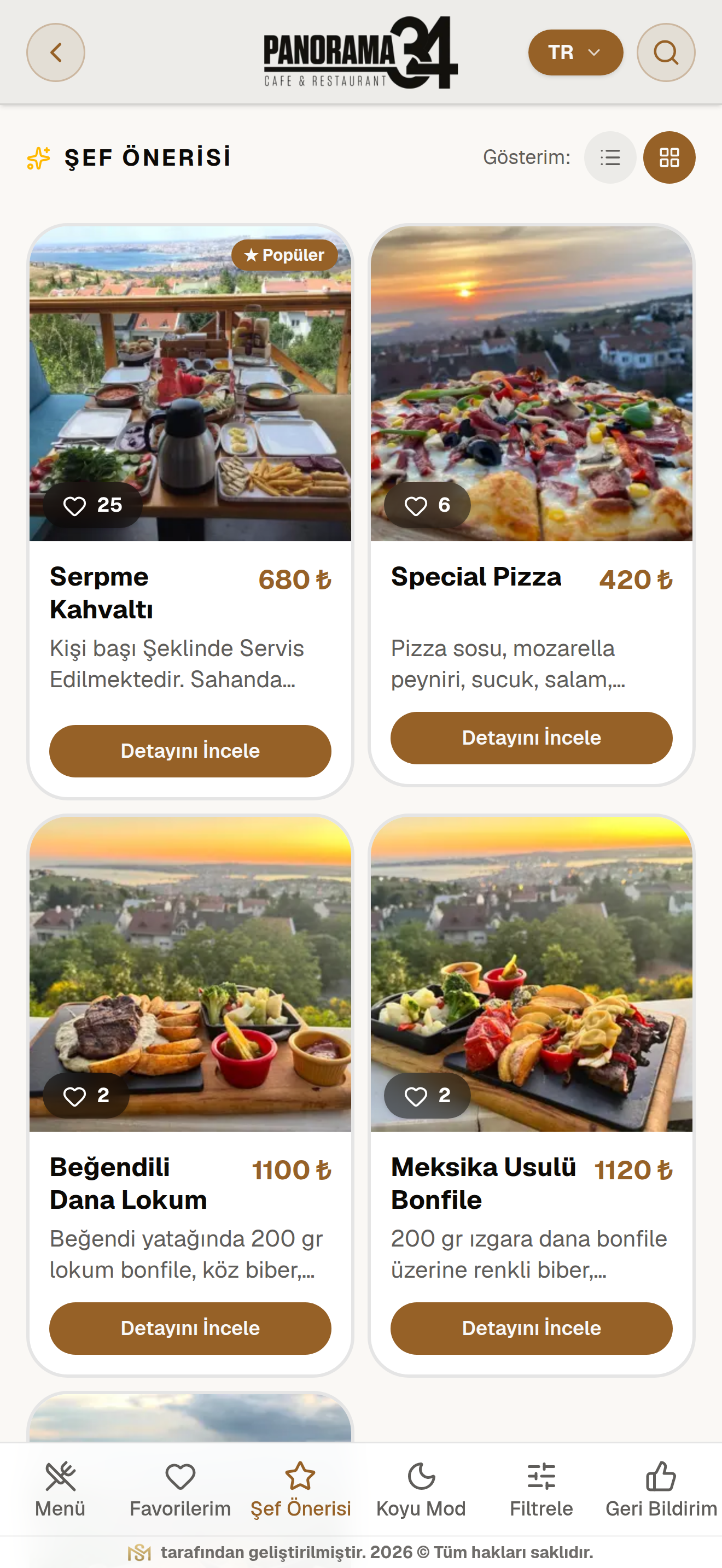
Highlight the products you want to promote in the "Chef's Pick" tab to catch your guests' attention.
Your menu runs with the speed and smoothness of a mobile app, with no installation required.
Skeleton loading screens, pull-to-dismiss gestures, and smooth transitions deliver an experience that meets today's standards.
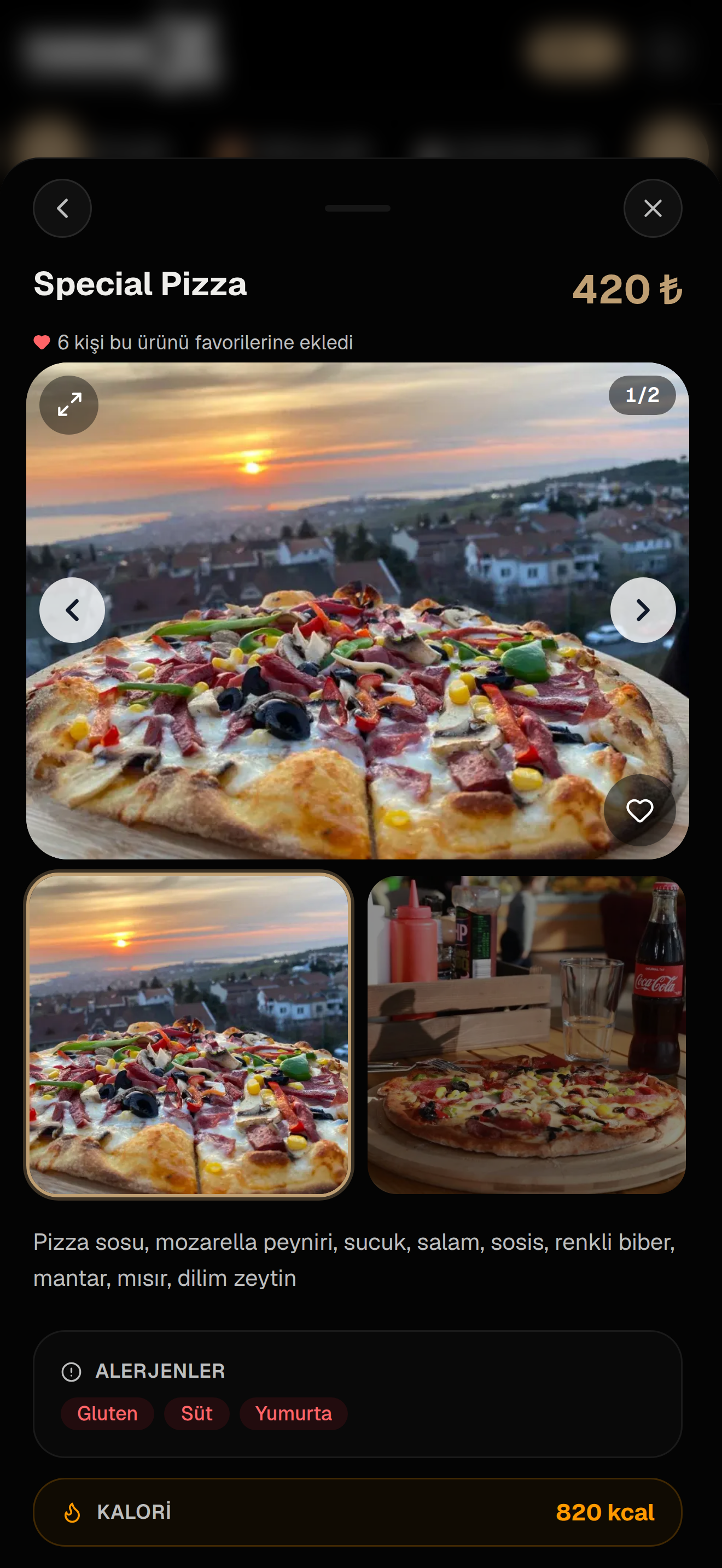
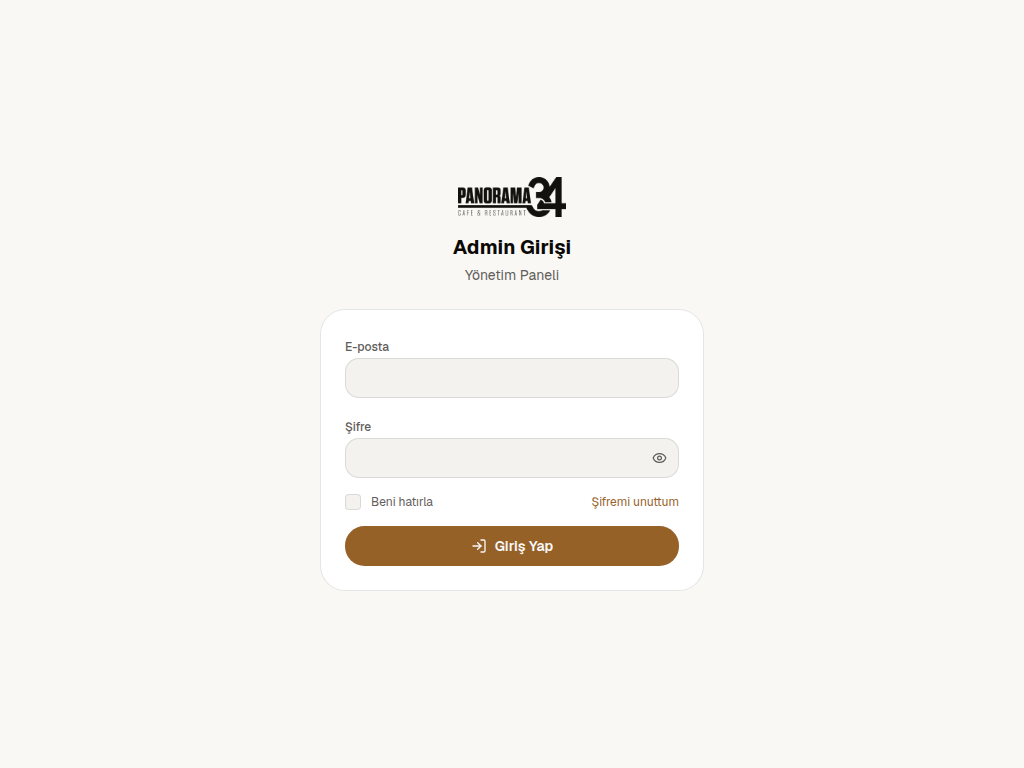
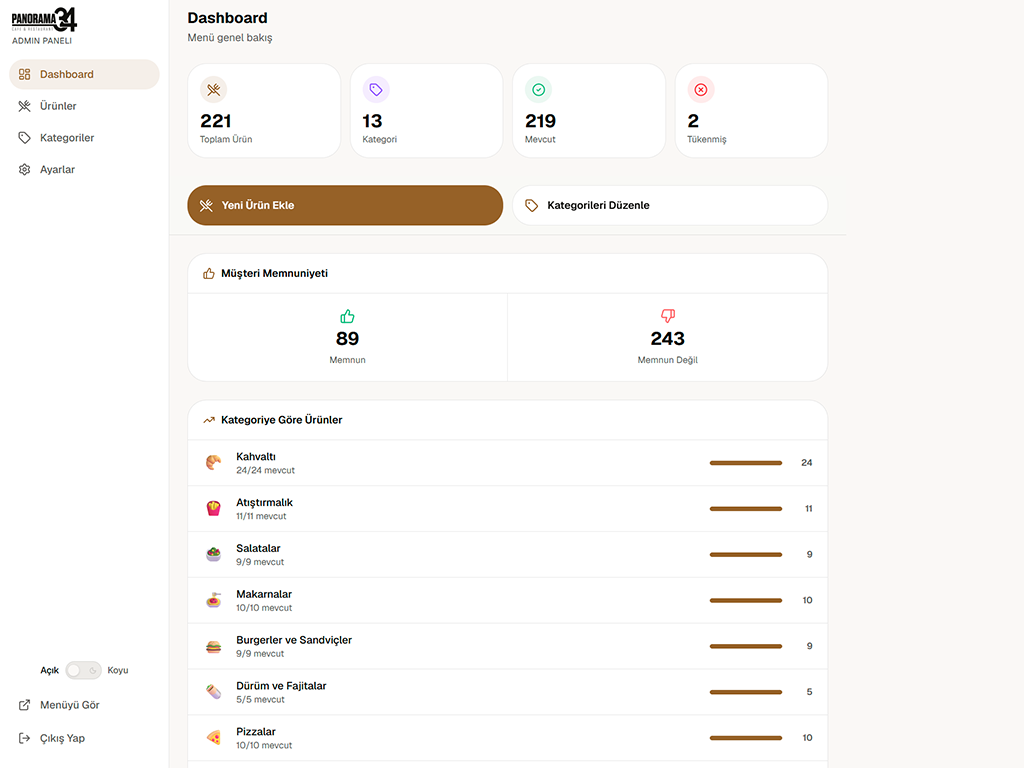
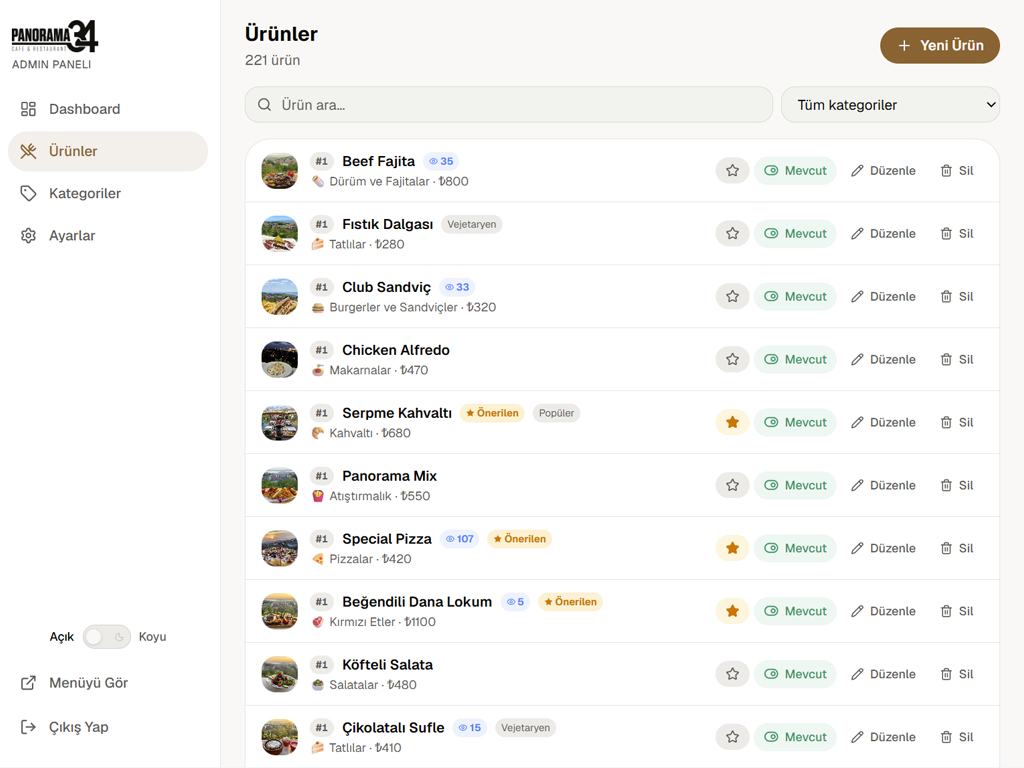
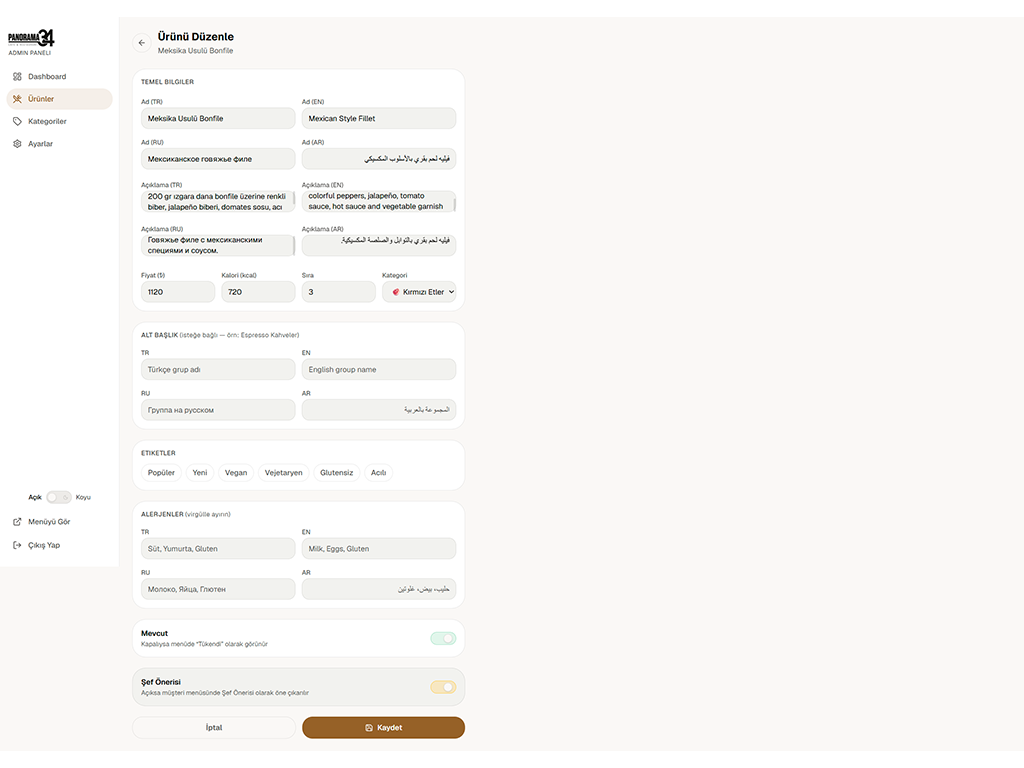
Managing your menu has never been easier. Update your prices, stock, and products from the admin panel in seconds.
Update pricing or availability for every product in a category with a single action.
Every change you make reflects on your live menu within seconds, with no extra approval step.
Upload product photos and let the system automatically compress and optimize them.
Track which products get the most views and favorites right from the panel.
Highlight any product in the "Chef's Pick" tab with a single click.
Check out our blog for the latest articles and tips on QR menus, digital menus, and restaurant technology.


Phone No.
0539 647 34 21Location
Cumhuriyet Mah., Yıldıray Çınar Sokak Büyükçekmece-Beykent/İstanbul
Email Id
info@qr-appmenu.comSocial Media