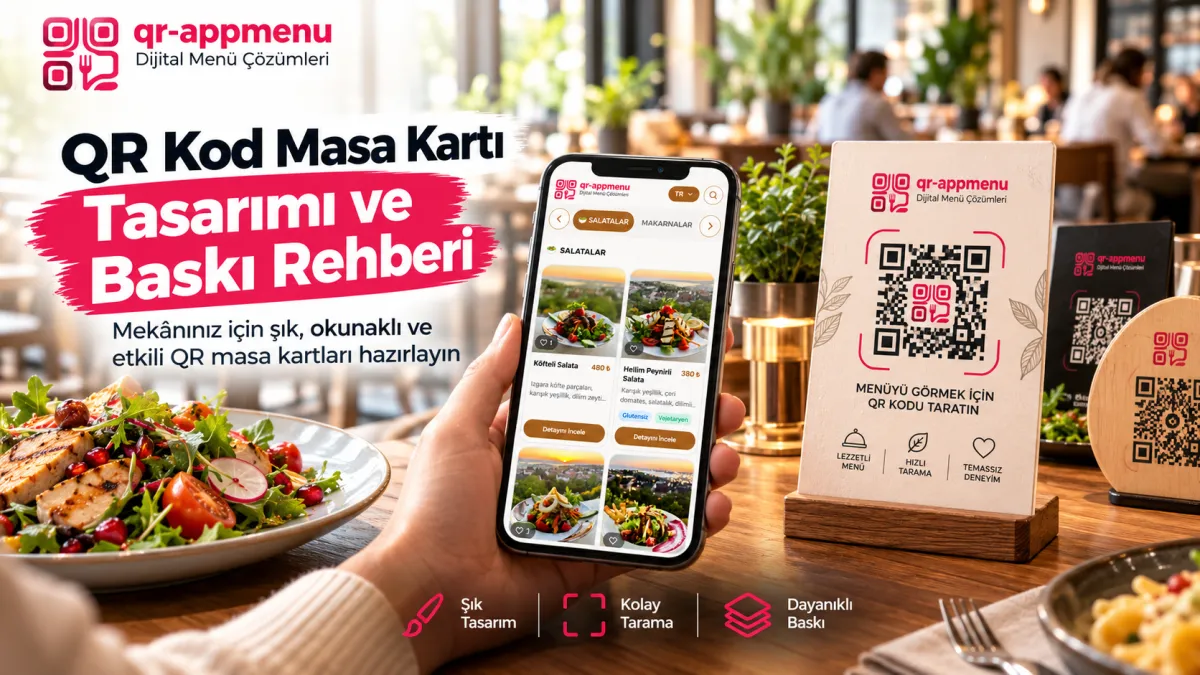
QR Code Table Stand Design and Print Guide for Restaurants: Strategies to Increase Scan Rates
Even a well-designed mobile menu is of little use if guests cannot scan the table code. The purpose of a tabletop QR card is not decoration alone, but easy discovery, correct destination, and reliable scanning through everyday use.
What belongs on the card?
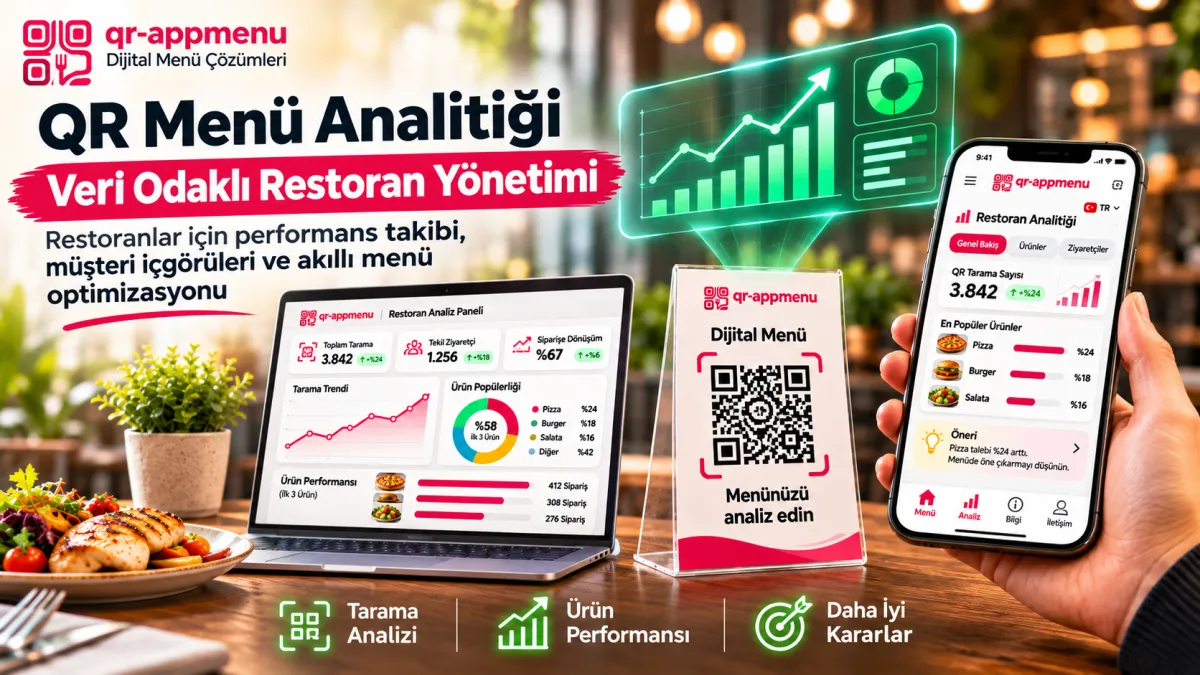
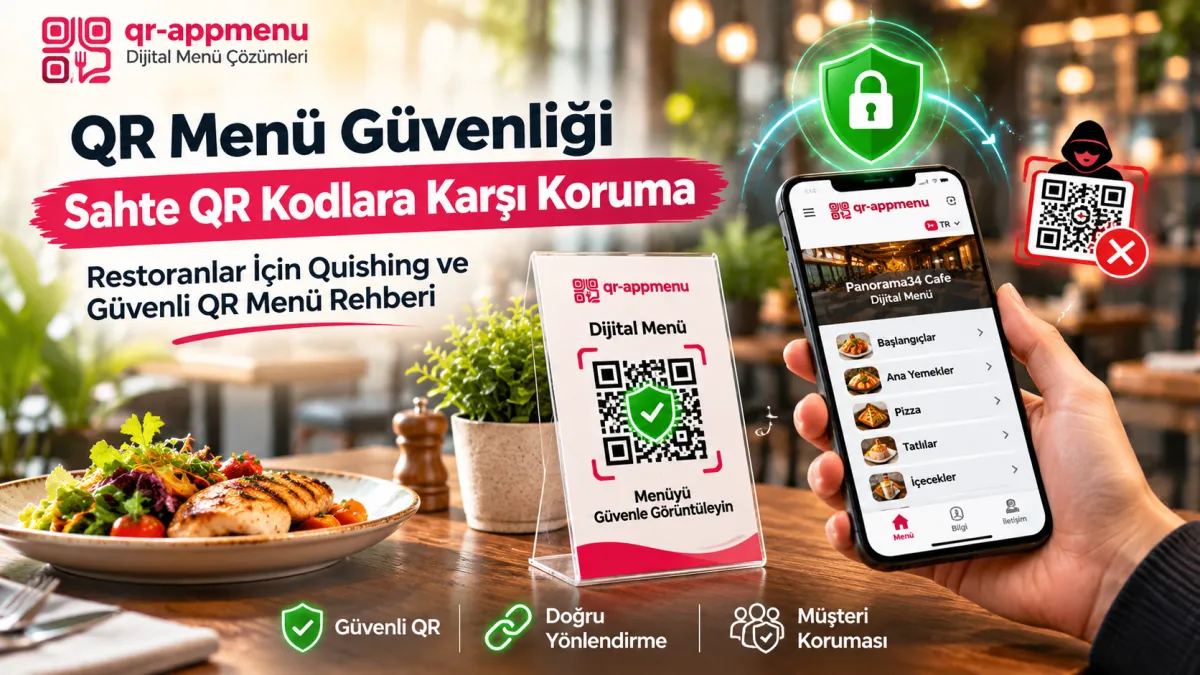
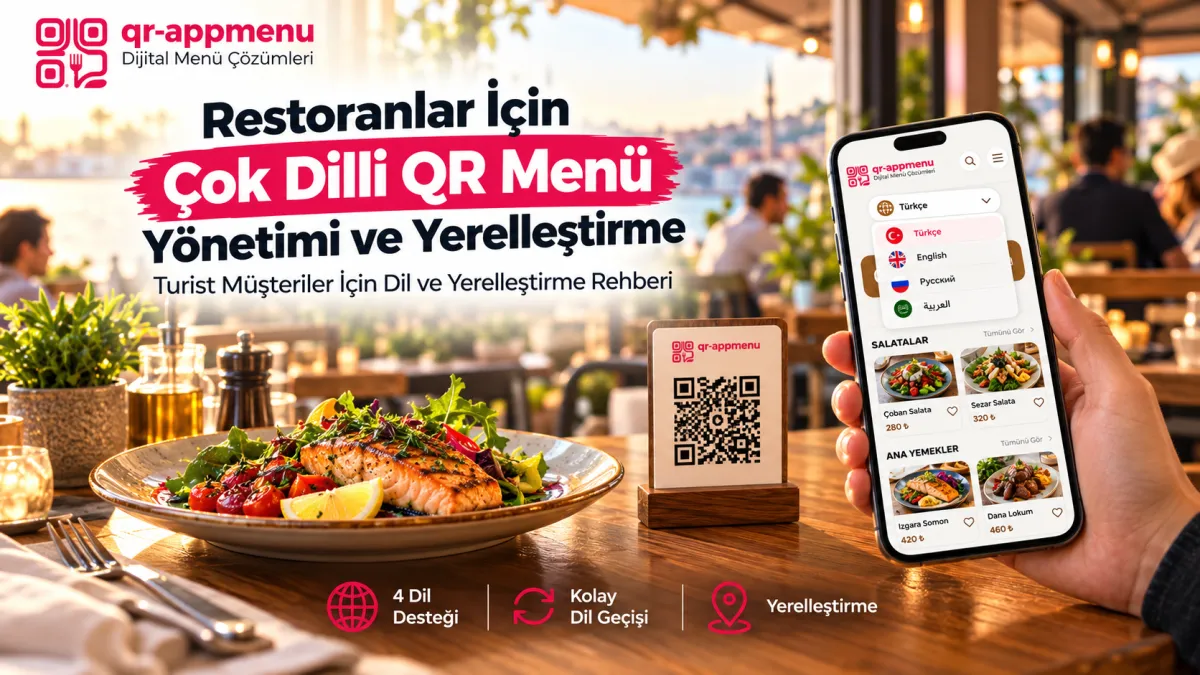
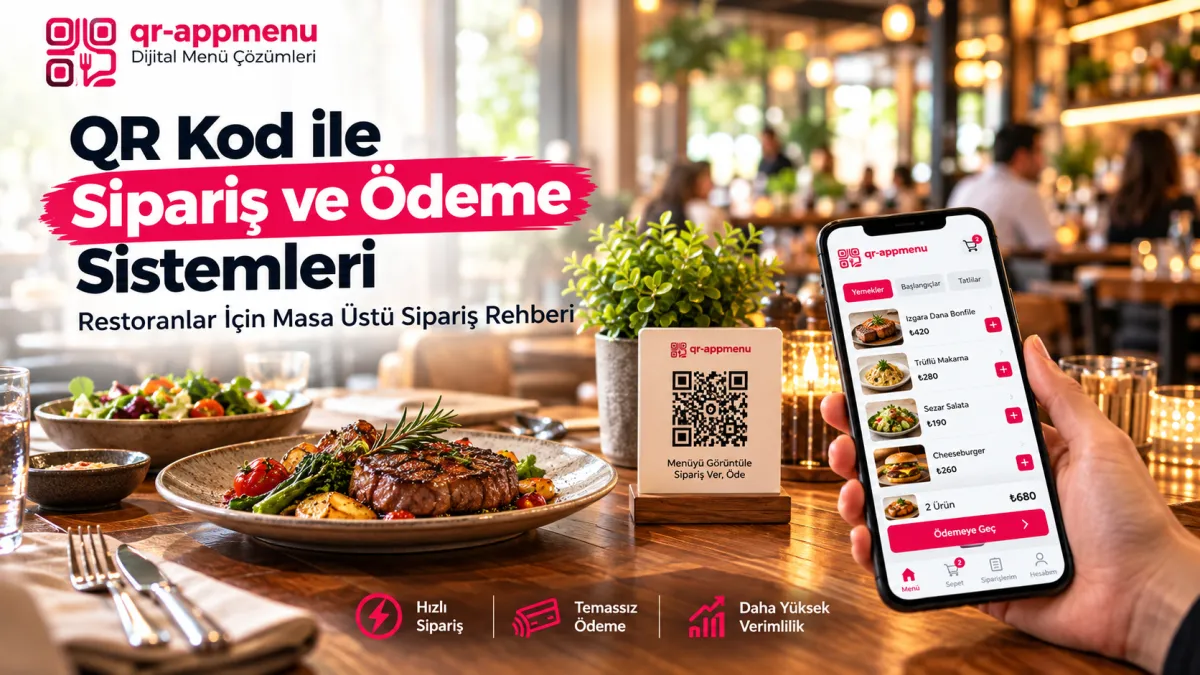
Include the venue name, a short instruction such as “Scan to view the menu,” a high-contrast QR code, and ideally the expected destination domain. Printing the correct venue domain can help guests recognize suspicious links.
There is no universal QR size
Code density, printing resolution, contrast, lighting, and scanning distance affect readability. Do not treat a particular 2.5 cm or 4 cm dimension as a guarantee for every table. Print a full-size sample and test from the seated guest's position. Preserve the clear quiet zone around the code.
Materials and reflections
Acrylic, paper, wood, and metal have different cleaning and glare properties. Matte finishes may reduce reflections in some settings, but follow the material supplier's cleaning guidance and consider how the tables are actually used. If adding a transparent cover, verify that scanning still works.
Logos and decoration
A center logo may work within a code's error-correction capacity, but there is no universal safe percentage of the code that can be covered. Do not obstruct the corner position markers. Test the final print on the actual material.
A five-step real-table acceptance test
- Print a prototype at its real size and on its intended material.
- Find and scan the code from the seated guest's viewpoint.
- Try different iPhone and Android models in daytime and evening light.
- Verify that the destination is the venue's correct QR AppMenu page.
- Check for peeling, overlays, and destination changes during regular cleaning inspections.
Recognizing tampering
Someone may cover a legitimate table code with a replacement sticker. Regular physical inspection and destination-domain checks are useful layers of defense. Read the Fake QR Code Security Guide for more detail.
Full-scale print testing before production
A QR code that looks large on a monitor may not scan well on a restaurant table. Print it at the actual intended size and test it from the seated guest's position using different phones. Check natural daylight, evening lighting, and glare separately. If guests must repeatedly move the phone or retry the scan, revise the print or placement rather than assuming all users will adapt.
Why the quiet zone matters
The quiet zone is the clear space surrounding the code. DENSO WAVE, the developer of QR code technology, specifies a four-module margin on each side for QR codes. Do not intrude into it with logos, table numbers, or decorative borders. See the code area guidance. Data density, print quality, and viewing distance mean one fixed physical size is not universally reliable.
A delivery checklist for printed cards
- Does the code open the expected business domain?
- Is there any overlay or replacement sticker?
- Does the print remain scannable after ordinary cleaning?
- Does the wording accurately say “View menu”?
- Does the card avoid “Pay” or “Order” when the destination is display-only?
Conclusion
A good QR table card is validated by repeatable scans at the real venue, not by one size or angle formula. Once the code works, the quality of the destination menu also matters.
Frequently Asked Questions
What is the ideal size for a tabletop QR code?
Which print material lasts longest for QR code table stands?
Does adding a restaurant logo in the center of the QR code affect scanning?
Why do flat, horizontal QR cards get scanned less frequently?
Should table numbers be included on QR menu table stands?
Related Posts