Multilingual QR Menu Management for Restaurants: Language and Localization Guide for Tourists
The Strategic Importance of Multilingual Menus in Tourism
For restaurants operating in tourist hotspots or city centers with high international guest circulation, language barriers represent one of the biggest bottlenecks in the ordering process. When foreign guests struggle to communicate with staff, fail to understand dish ingredients, or have allergen concerns, customer satisfaction drops and table turnover slows down. Printing separate physical menus for every language is expensive and operationally difficult to manage. Digitalization solves this problem at its root. While the fundamental answer to what a QR menu is and how it works is well understood, strategically leveraging its multilingual architecture directly impacts restaurant profitability.
Automatic Translation vs. Professional Localization
The most common mistake made by venues when setting up a multilingual digital menu is relying entirely on unvetted machine translation tools. Culinary culture, traditional dish names, and cooking techniques can yield confusing or unappetizing results when translated word-for-word.
- Preserving Dish Names: Keep the original local name of the dish (e.g., "Karnıyarık") while providing a clear descriptive translation in the body (e.g., "Stuffed Eggplant with Minced Meat").
- Detailed Ingredient Explanations: Include short explanatory notes for local ingredients or sauces that foreign guests may not be familiar with.
- Standardizing Culinary Terms: Express portion sizes or cooking temperatures using internationally recognized terms.
Language Selection Architecture for Better User Experience (UX)
From the moment a customer scans the QR code, the time it takes to reach their native language should be minimized. Poorly designed language selection screens delay the ordering flow. Key practices for an optimal experience include:
1. Automatic Browser Language Detection
An advanced QR menu platform should detect the guest's smartphone system language and open the menu in that language immediately. An English-speaking tourist automatically seeing an English menu creates a seamless, frictionless customer journey.
2. Accessible and Clear Language Toggle
In addition to auto-detection, a visible language selector or flag icons should always remain accessible in the header. Guests should be able to switch languages with a single tap. For a deeper look into UX strategies, read our QR menu customer experience and UX guide.
5 Critical Steps in Multilingual Menu Management
To provide a flawless digital experience for tourist guests, the following steps should be executed via your menu management panel:
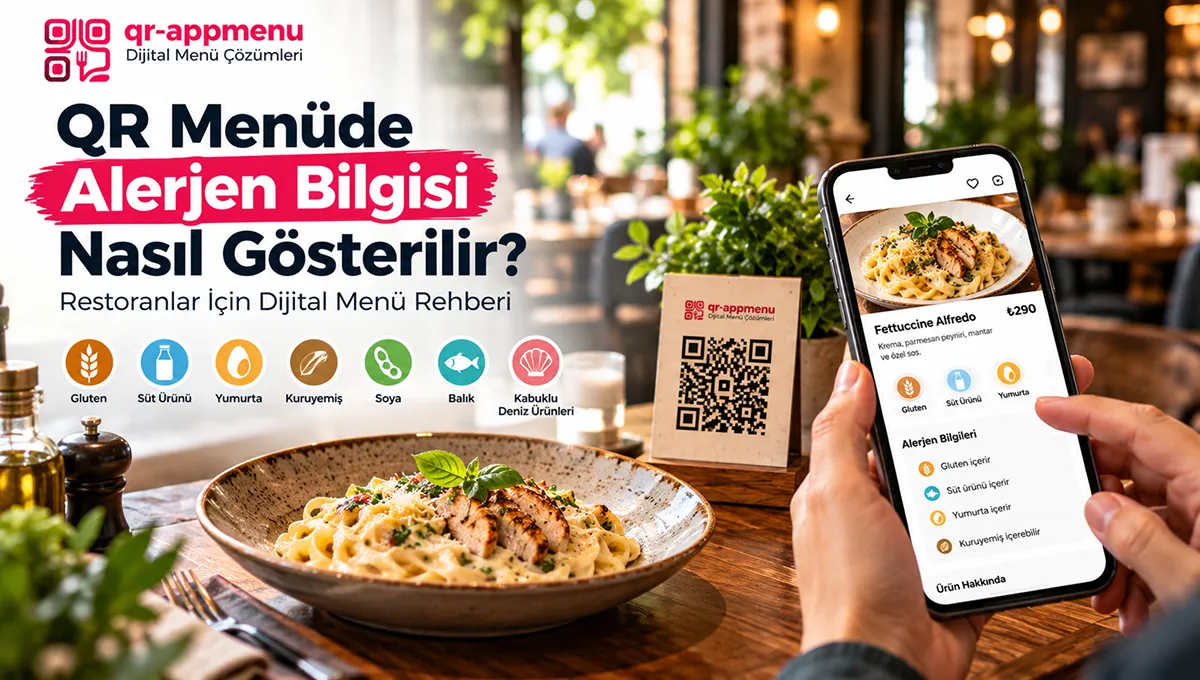
- Allergen and Dietary Label Translations: Warnings for gluten, lactose, or nuts, alongside dietary labels like vegan, vegetarian, or halal, must be presented using standardized symbols and clear terminology across all languages.
- Visual-Centric Presentation: High-quality food photography is a universal language. Including appetizing visuals on item cards in foreign language views accelerates ordering decisions.
- Multi-Currency and Price Display: If supported by your system, displaying prices in foreign currencies alongside local currency for informational purposes helps tourists manage their budgets easily.
- Simplified Category Structure: Overly complex menu categories can confuse non-native speakers. Keep category headings concise and clear.
- Dynamic Inventory Sync: When an item goes out of stock, disabling it should instantly update all language versions. Mismatched inventory between languages causes operational friction.
Managing Multilingual Content via Admin Panel
If your restaurant is pursuing a digital transformation strategy, your management software must allow effortless handling of multilingual content. Updating a price or dish in your primary language should sync seamlessly across all active languages without duplicating workload. To explore all features of a modern menu platform, check our complete QR menu guide.
Conclusion
Multilingual QR menu management is not just about translating words; it is about delivering a comfortable, trustworthy, and welcoming dining experience to international guests. By combining proper localization strategies, high-res food visuals, and a smart digital menu infrastructure, you can increase average check sizes, relieve communication stress on waitstaff, and elevate your restaurant's global reputation. Get started with QR AppMenu to deploy unlimited language options and boost tourist satisfaction today.
Frequently Asked Questions
Which languages should I offer on my QR menu?
Are automatic translation tools sufficient for a QR menu?
Is the language selected automatically when a customer opens the menu?
Can prices differ across different language menus?
Should I fully translate dish names or keep the original name?
Related Posts