What Is a QR Menu and How Does It Work? A Practical Guide for Cafés and Restaurants
A QR menu is a system that lets guests access a digital menu by scanning a QR code placed on a table, counter, or another location inside the business. The QR code itself is not the menu; it simply directs the guest to the digital menu published by the business.
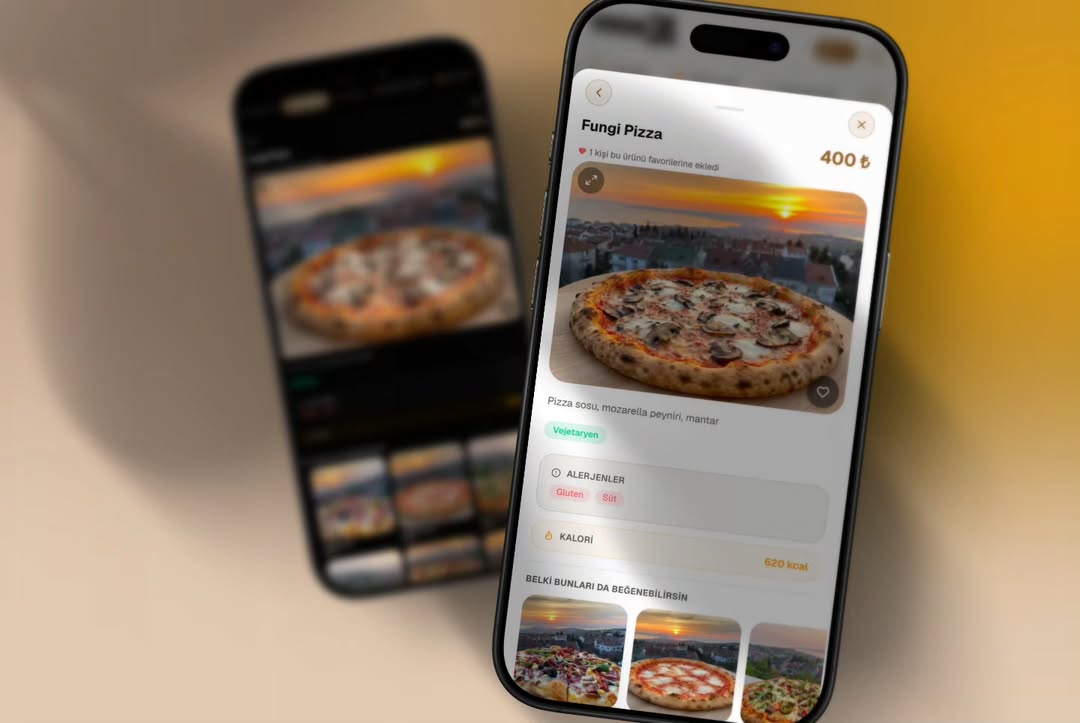
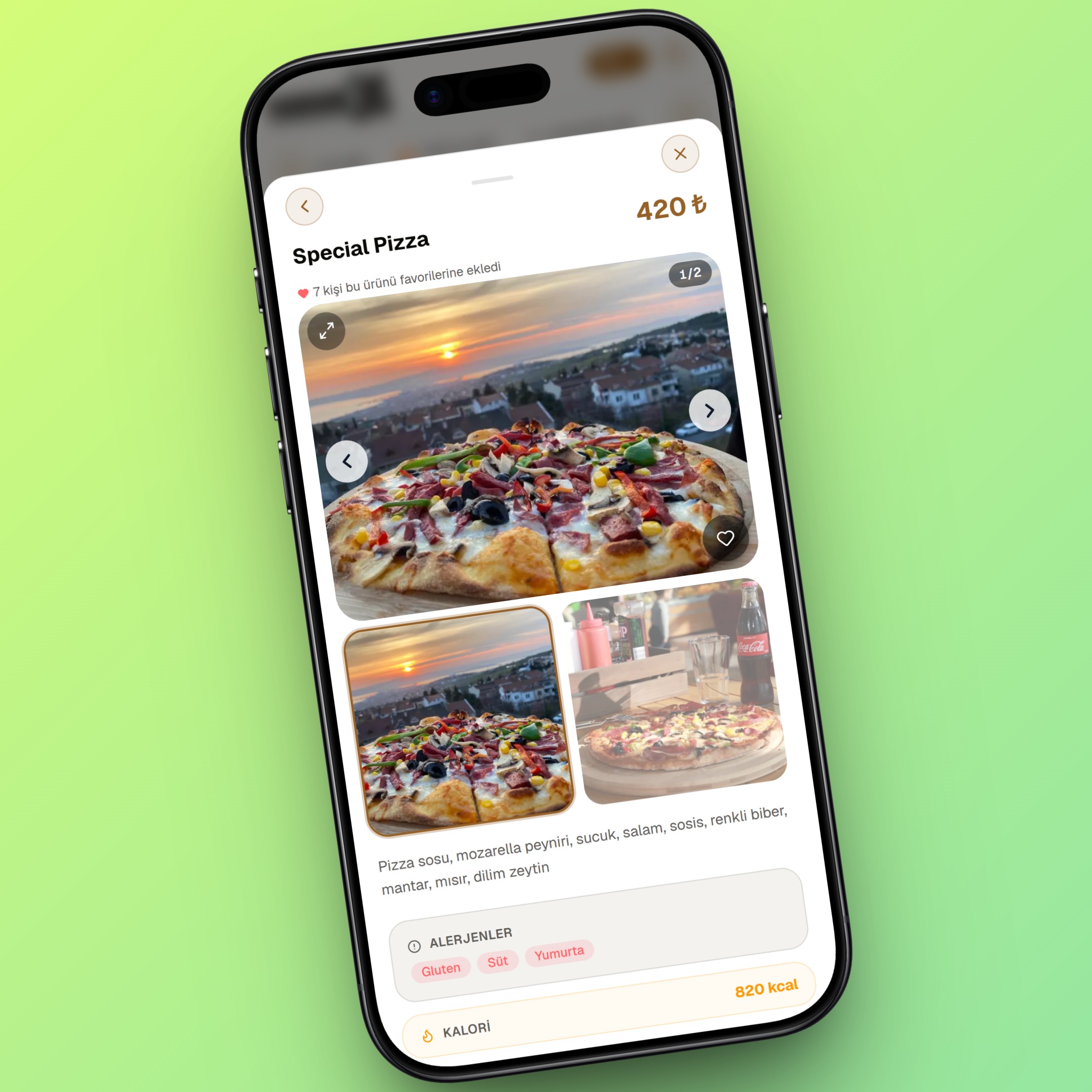
The easiest way to understand a QR menu is to think of two sides: the mobile menu seen by the guest and the management side where the business controls products, prices, categories, and content.
How Does a QR Menu Work?
A typical QR menu workflow has four steps:
- The business prepares the menu content. Products, categories, prices, descriptions, images, and language options are entered into the management system.
- The system publishes a web address for the menu. This is the mobile-friendly page guests will open.
- A QR code is generated for that address. The code can be placed on a table card, sticker, counter, takeaway material, or another suitable surface.
- The guest scans the code. The phone camera opens the menu address and the guest browses products in the browser.
With browser-based systems, guests generally do not need to install an app or create an account.
What Is the Difference Between a QR Code and a QR Menu?
A QR code is simply a way to store and open a link. It can point to a PDF, a basic web page, or a managed digital menu platform. For this reason, the term “QR menu” does not by itself describe how advanced the underlying system is.
If a QR code opens a static PDF, changing a price may require editing and replacing that PDF. With a managed digital menu, the business can update products or prices from an administration panel and publish those changes to the menu.
For a deeper comparison of PDFs, web menus, and managed platforms, see What Is a Digital Menu System?.
What Does the Guest See?
From the guest's point of view, the process should be short: scan the code, open the menu quickly, and find products without confusion. A well-designed mobile menu uses clear categories, readable text, appropriately sized images, and visible pricing.
Digital does not automatically mean usable. Slow loading, confusing navigation, or small text can reduce customer satisfaction. Our QR Menu Customer Experience Guide covers this topic in more detail.
How Does the Business Manage a QR Menu?
In managed platforms, the administration side is separate from the customer-facing menu. Authorized users can add products, change prices, hide unavailable items, reorder categories, or update descriptions.
Depending on the platform, businesses may also have access to multiple languages, allergen information, dietary labels, branch management, promotional areas, and analytics.
Does a QR Menu Require Internet Access?
A web-based QR menu requires an internet connection to open on the guest's phone, and the web service hosting the menu must also be available. Reliable and fast hosting is therefore part of the customer experience.
Some restaurants keep a small number of printed menus as a backup. See our QR Menu vs. Printed Menu comparison for the trade-offs.
Do Guests Need to Download an App?
Usually not. Modern smartphones can detect QR codes through the camera and open the destination in a browser. Requiring a separate app creates an additional step between the guest and the menu.
Does the QR Code Change When the Menu Is Updated?
If the QR code continues to point to the same menu address, changing a product, price, or description does not normally require a new QR code. The business updates the content in the system and guests using the existing QR code see the updated menu.
What Information Can a QR Menu Show?
Depending on the system, a digital menu can display:
- Product names and prices
- Descriptions
- Product photos
- Categories
- Allergen information
- Vegan, vegetarian, and similar dietary labels
- Multiple languages
- Featured or promotional products
For a broader view of the operational benefits and features, continue with our QR Menu Guide for Cafés and Restaurants.
Do QR and Printed Menus Have to Compete?
No. They can be used together. Some businesses use QR menus as the primary option while keeping a few printed menus for guests who prefer a physical menu or do not have suitable phone access.
What Do You Need to Switch to a QR Menu?
At a basic level, you need a digital menu system, menu content, and a QR code that opens the menu. For a successful launch, however, products and categories should be organized, images prepared, prices checked, and QR codes tested in their real locations.
For the full implementation process, read our step-by-step QR menu setup guide.
Conclusion
A QR menu combines a QR code, a web-based menu, and a management system. For guests, the goal is fast and simple access. For businesses, the goal is to manage products and prices without repeatedly redesigning and printing the menu.
For a complete overview of features, costs, and use cases, continue with our complete QR Menu Guide.
Frequently Asked Questions
What is a QR menu?
How does a QR menu work?
Do I need an app to use a QR menu?
Is a QR menu the same as a PDF menu?
Do I need to reprint the QR code when the menu changes?
Does a QR menu work without internet access?
Related Posts