What Is a Digital Menu System? PDF vs Web Menu, Features and Selection Criteria
Selecting a digital menu platform is not simply about letting guests open a page from a QR code. The real issue is how the business manages product, price, category, language, and location data, how portable that data is, and how safely day-to-day changes are published.
What Layers Make Up a Digital Menu Platform?
- Management layer: the administration area for products, prices, categories, languages, and locations.
- Presentation layer: the mobile menu interface shown to guests.
- Access layer: QR codes, direct links, or other entry points.
This distinction matters because the QR code is only the access method. Long-term operations depend on the management and presentation layers.
8 Technical and Operational Criteria
1. Management Usability
Daily users should be able to add products, change prices, hide items, reorder categories, and manage languages without technical assistance.
2. Data Ownership and Portability
Can the business export product and category data? If the platform changes, will the team need to rebuild everything manually? These questions matter when evaluating vendor lock-in.
3. Multi-Location Management
Multi-location operators should check whether each branch can have different pricing, availability, and permissions while still supporting central control.
4. Language Management
The system should manage translated product names, descriptions, and categories, not just the interface. It should also have predictable behavior when translations are incomplete.
5. Publishing Workflow
How quickly do changes become visible? Is there a draft or approval workflow? Can critical mistakes such as incorrect prices be rolled back?
6. Performance and Availability
Mobile speed, image optimization, and service reliability are core platform criteria. For guest-facing usability, see the QR Menu UX Guide.
7. Support and Operational Continuity
Evaluate support channels, response expectations, backup practices, and the process used during service incidents.
8. Analytics and Integration Needs
Not every business needs advanced analytics. Decide which metrics or integrations will actually influence decisions before paying for complexity.
PDF vs Static Web Page vs Managed Platform
A PDF is the simplest digital publishing format but can be weak for mobile use and frequent updates. A static web page can improve presentation but may still require technical edits. A managed platform is designed to let the restaurant team control daily content changes.
10 Questions to Ask Before Buying
- Can we update content without technical help?
- Can we export our data?
- Can branches manage different prices and products?
- How are translations handled?
- How quickly are changes published?
- Are images optimized automatically?
- What happens during an outage?
- Can permissions be assigned by role?
- What support channels are available?
- Are we paying for features we will not use?
Prepare the Data Before Migration
Even a strong platform cannot fix disorganized menu data. Review product names, categories, prices, descriptions, photos, and translations before migration.
For implementation steps, continue with the QR Menu Setup Guide.
Do Not Confuse Platform Selection with Menu Strategy
The platform helps manage products; it does not decide which items deserve more visibility. For profitability and popularity analysis, see the Menu Engineering Guide.
Where Does QR AppMenu Fit?
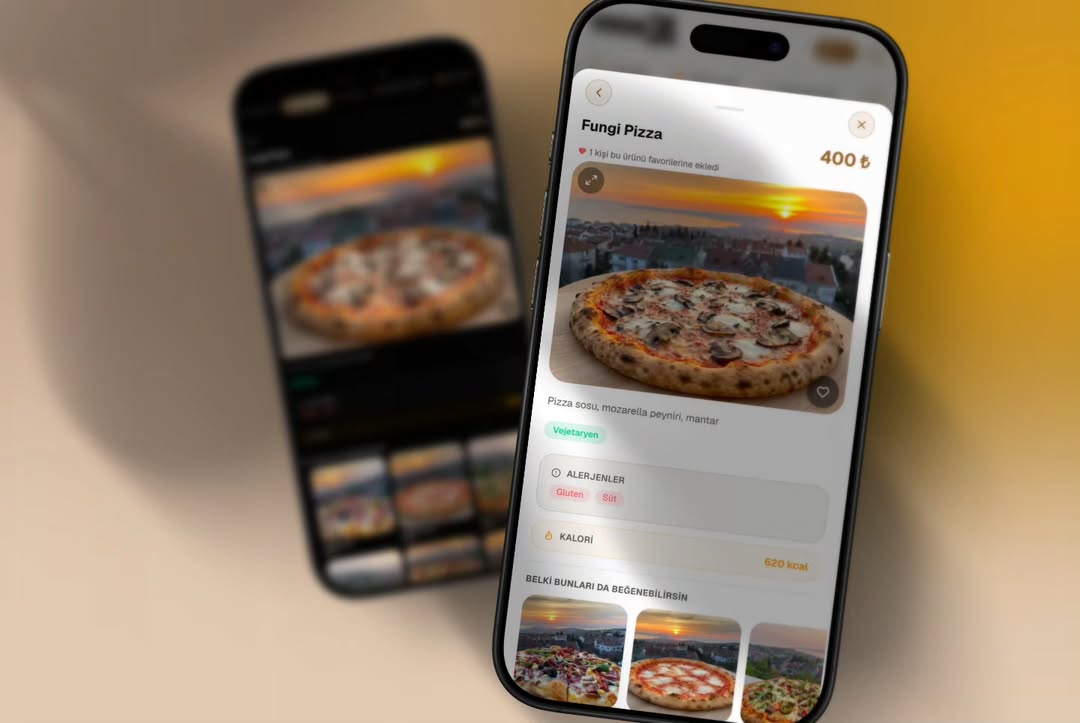
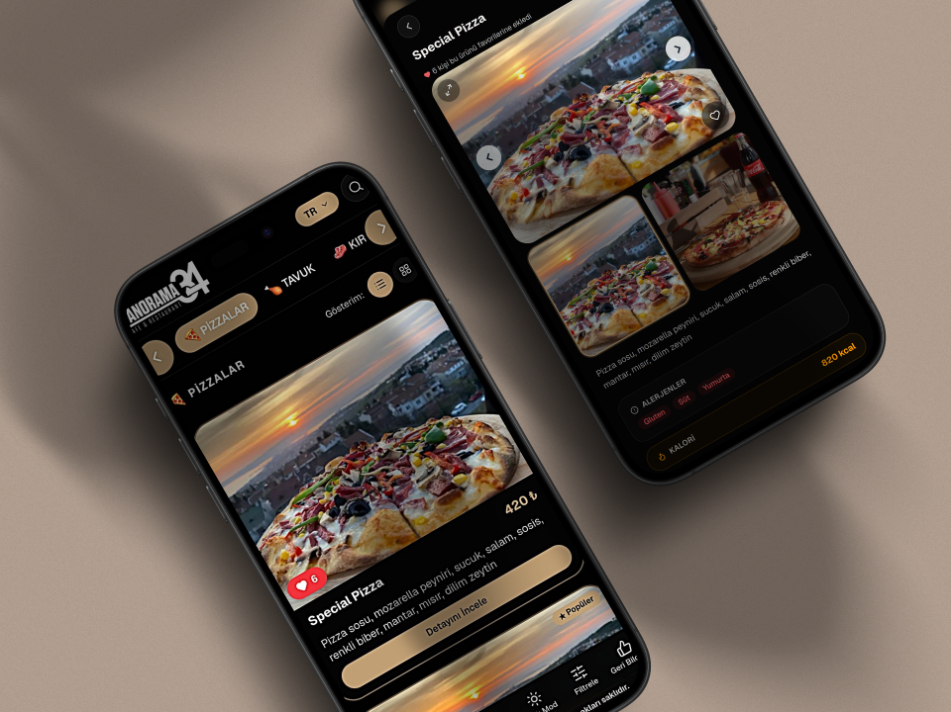
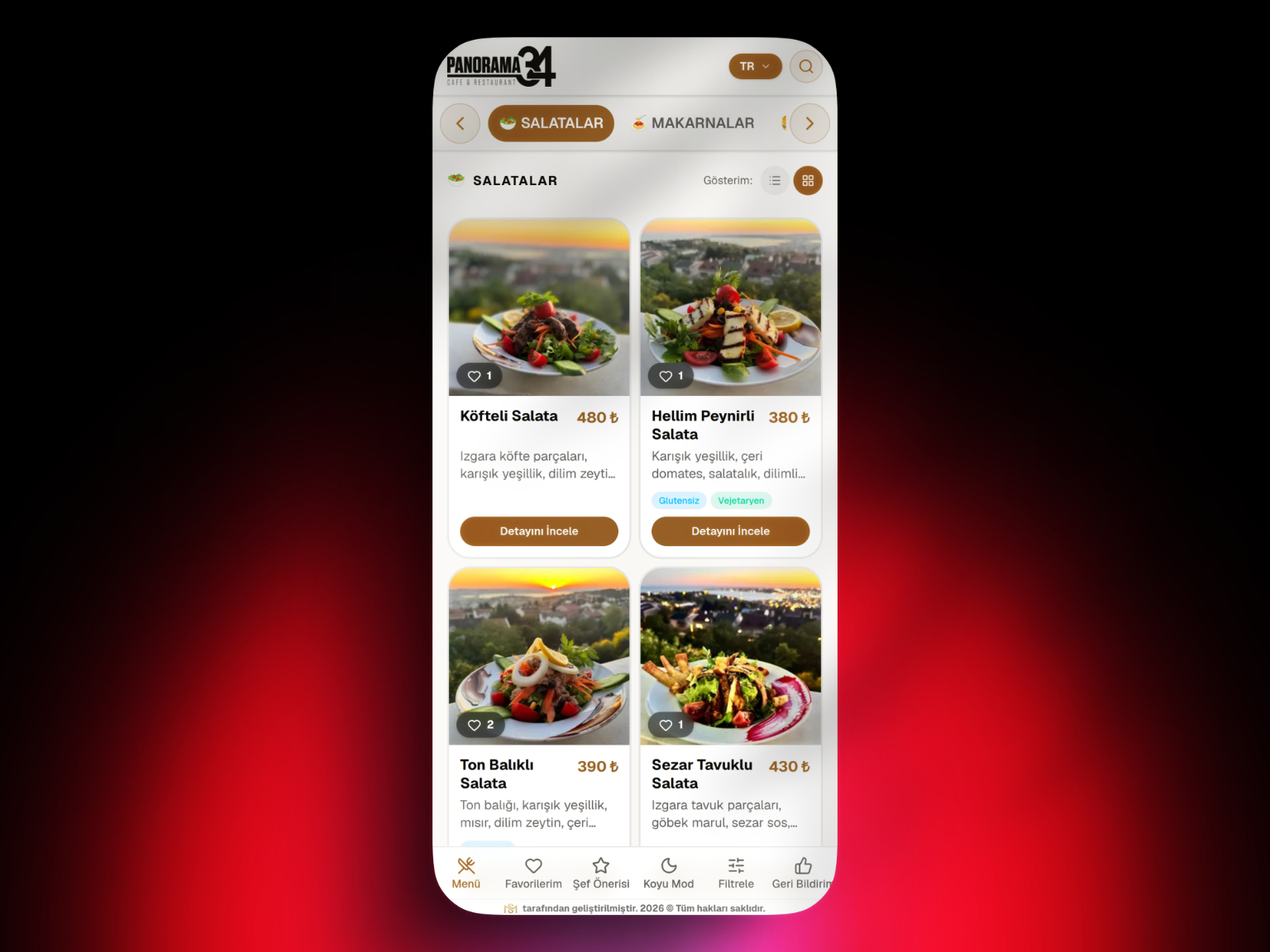
QR AppMenu is a web-based solution focused on managing products, categories, prices, descriptions, and menu content while giving guests mobile access through QR codes.
For the overall decision framework, return to the complete QR Menu Guide.
Conclusion
When selecting a digital menu system, evaluate not only the feature list but also data ownership, daily management, branch structure, performance, support, and future portability.
Frequently Asked Questions
Why does data ownership matter in a digital menu platform?
What should be evaluated in a digital menu management panel?
How should multi-location businesses choose a digital menu system?
Is data export important in a digital menu system?
Why does publishing workflow matter in a digital menu platform?
What support criteria should be evaluated for a digital menu platform?
Related Posts