QR Menu Guide for Cafés and Restaurants: Features, Setup, Costs and Best Practices
This page is not designed to answer a single QR menu question. It is the main decision hub for cafés and restaurants evaluating QR menus from end to end. Use it to navigate from fundamentals and setup to system selection, customer experience, menu engineering, and printed-menu comparisons.
How Should You Use This Guide?
- For the basic concept: What Is a QR Menu and How Does It Work?
- For implementation: 7-Step QR Menu Setup Guide
- For platform selection: What Is a Digital Menu System?
- For customer experience: QR Menu UX Guide
- For product strategy: Menu Engineering Guide
- For format comparison: QR Menu vs Printed Menu
6 Main Areas to Evaluate Before Choosing a QR Menu
1. Business Need
Define the operational need before choosing technology. How often do prices change? Do you need multiple languages? Do you manage several locations? Does item availability change frequently? Is the customer base comfortable with mobile menus?
2. Update and Management Workflow
The important question is not the QR code itself, but who manages the menu and how easily products, prices, categories, images, descriptions, and translations can be updated.
3. Customer Experience
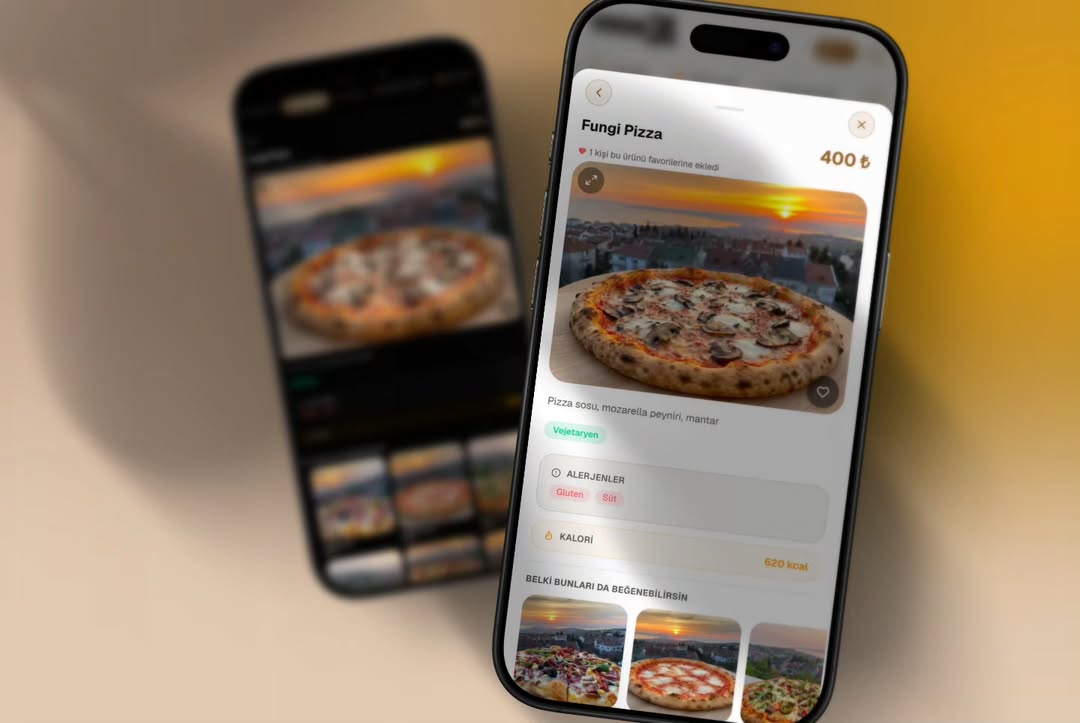
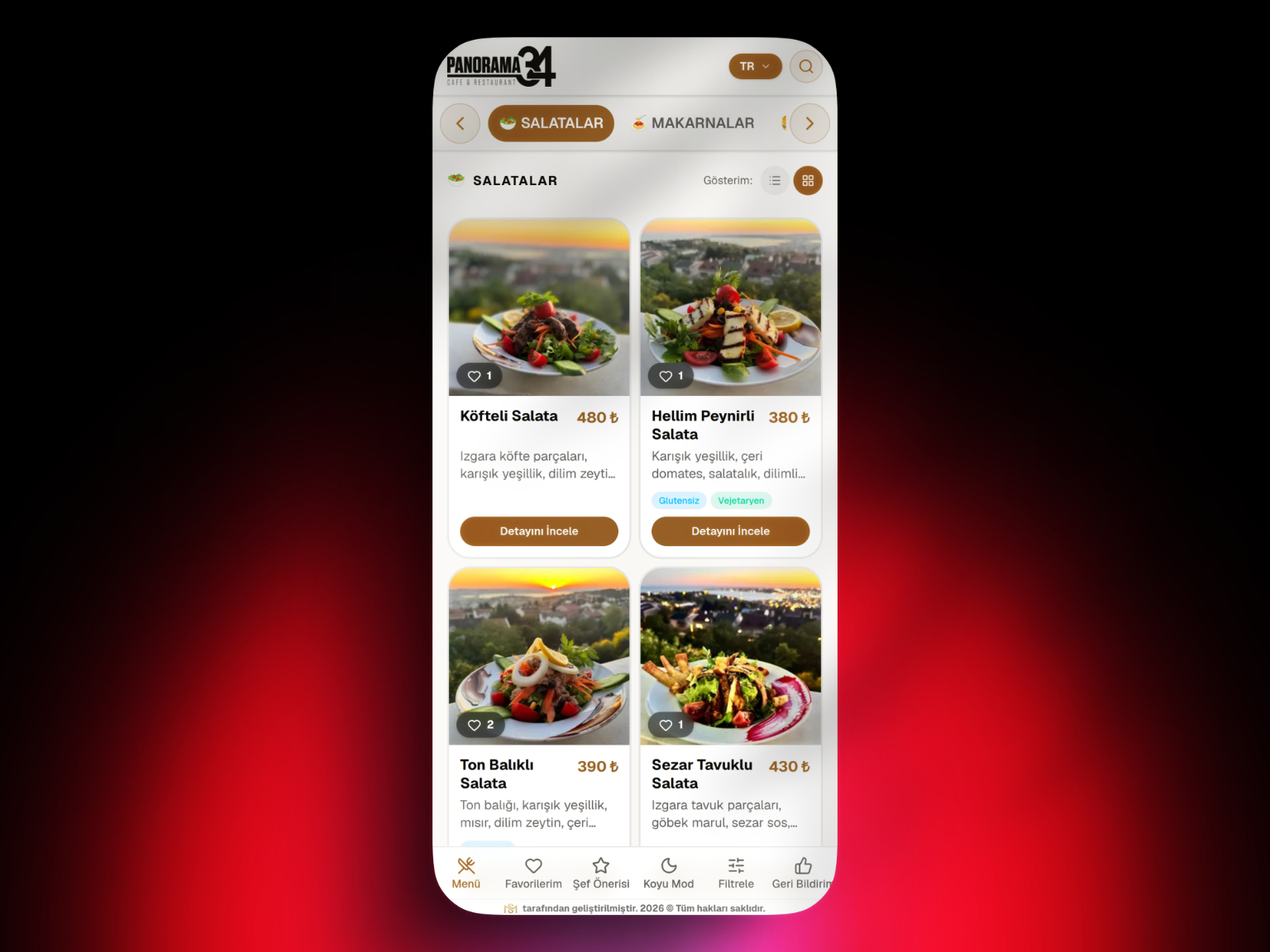
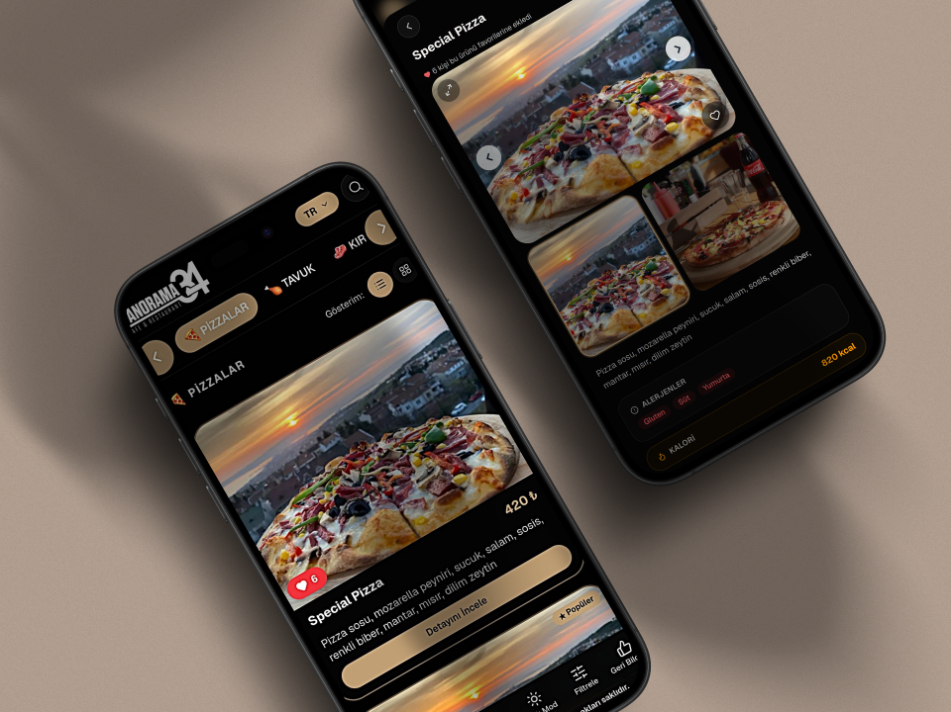
A digital menu is not automatically good UX. Loading speed, category structure, readability, price visibility, and accessibility should be evaluated together.
4. Total Cost
Compare more than subscription fees or printing costs. Include redesign, reprints, staff time, translation management, support, and operational errors.
5. Data and Menu Strategy
Digital menus make it easier to reorder and update products, but decisions about what to feature should be supported by sales and contribution data. This is where menu engineering becomes relevant.
6. Printed Menu Coexistence
QR and printed menus do not have to be mutually exclusive. Many restaurants use QR as the primary channel while keeping a few physical menus for accessibility, connectivity issues, or customer preference.
Which Businesses Can Benefit Most?
QR menus are especially useful for businesses that change prices or products frequently, need multiple languages, manage several locations, or want to present richer product information.
Businesses with very stable menus, strong tactile brand experiences, or audiences with limited phone use may prefer a hybrid or print-heavy approach.
Where Should a QR Menu Project Start?
- Define the business goal.
- Clean product, category, price, and language data.
- Select a suitable digital menu platform.
- Plan the mobile information architecture.
- Test QR placement and real devices.
- Collect staff and guest feedback.
- Review menu performance regularly.
How Should Platform Priorities Be Ranked?
For many businesses, a practical order is: mobile speed → ease of management → content accuracy → language and accessibility → branch requirements → analytics and support.
Where Does QR AppMenu Fit?
QR AppMenu is a web-based digital menu solution focused on managing products, categories, prices, descriptions, and menu content while giving guests mobile access through QR codes.
Conclusion
Adopting a QR menu is not simply a switch to digital. Successful implementation combines platform selection, clean menu data, strong mobile UX, good QR placement, staff preparation, and ongoing optimization.
Use this page as the main decision hub and continue to the specialist guide that matches your next question.
Frequently Asked Questions
What is the best sequence for starting a QR menu project?
Which features should be prioritized when selecting a QR menu system?
How should the total cost of a QR menu be evaluated?
When should a QR menu be used in a hybrid model?
What should be monitored after a QR menu goes live?
What is a common strategic mistake in a QR menu project?
Related Posts