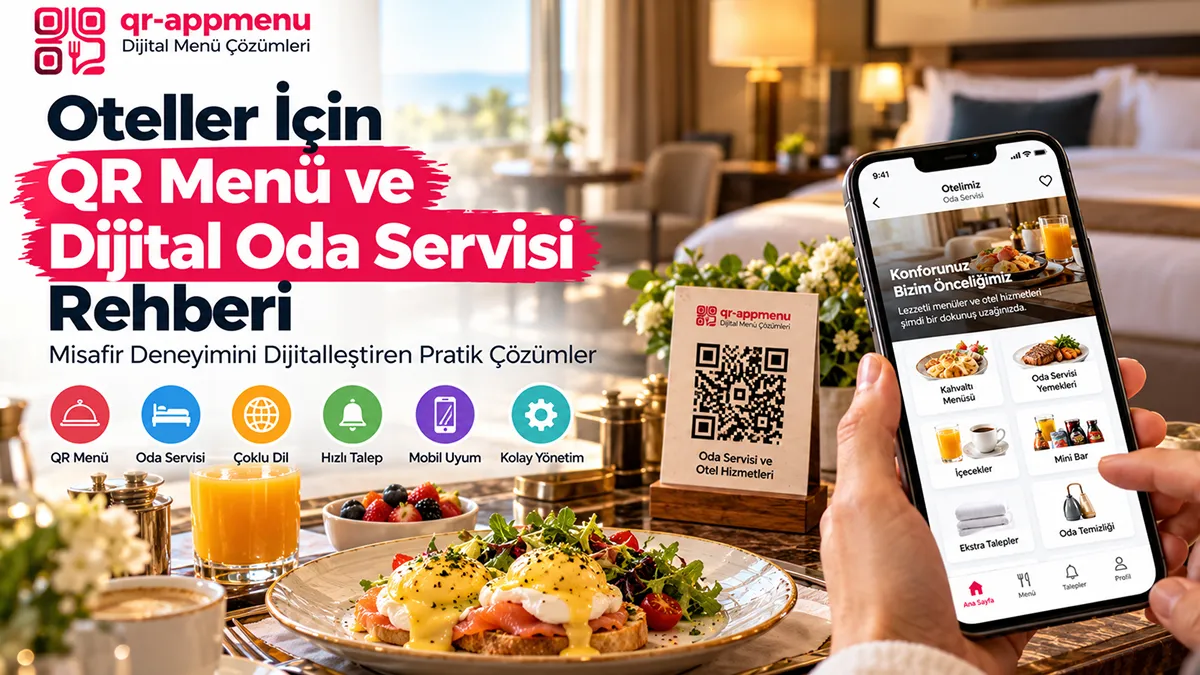
QR Menus for Hotels: How Menu Display Differs from Room Service and PMS
A QR-linked menu can let hotel guests browse food and beverage offerings from a room, restaurant, lobby, or pool area. Menu display, room-service ordering, charges to a room account, and PMS/housekeeping integration are different software capabilities. Keeping them separate avoids incorrect purchasing expectations.
Useful hotel menu scenarios
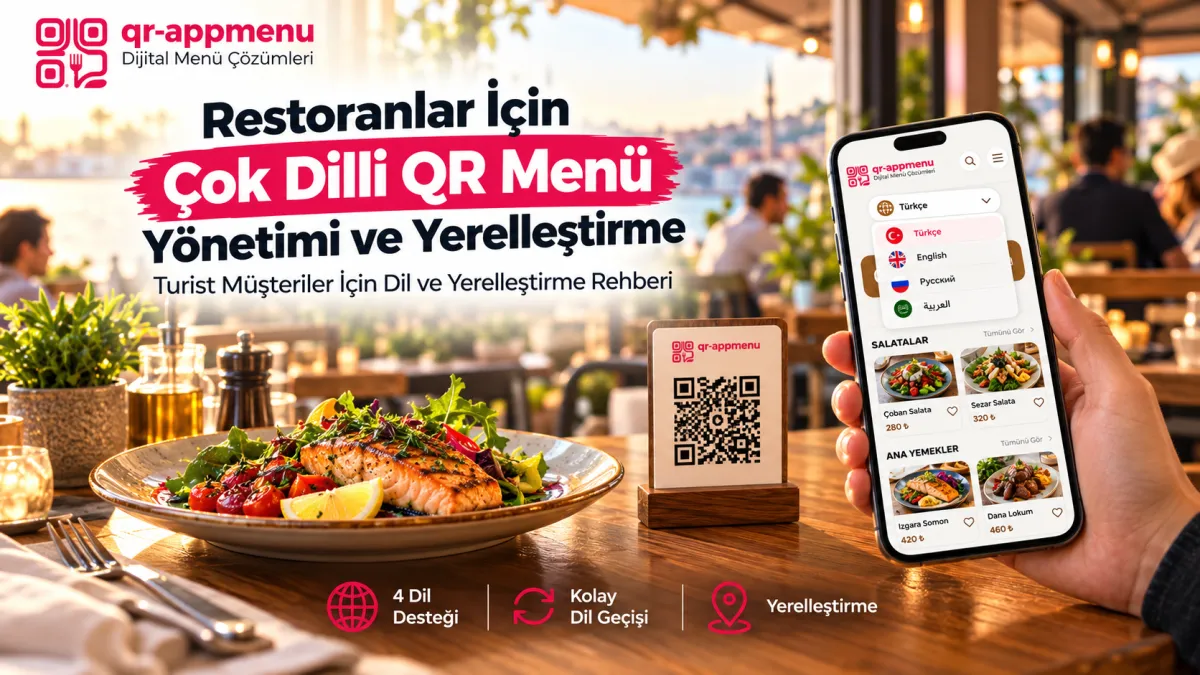
A hotel restaurant can display breakfast, drinks, or à la carte items on a mobile page. QR AppMenu's four language options (Turkish, English, Russian, and Arabic) can help international guests read item details. Photos and descriptions can make unfamiliar dishes clearer, and light/dark themes can be tested under different lighting conditions.
Why room-service ordering is different
Placing a menu QR code in a room does not create an ordering workflow. Real ordering may need a cart, delivery preferences, room verification, kitchen notifications, cancellation handling, payment, and order-status tracking. Do not describe QR AppMenu as offering verified room-service or PMS capabilities when these are not part of its stated scope.
Housekeeping and concierge requests
Towel requests, late checkout, and spa appointments need separate request tracking and staff assignment. A QR code may link to a page, but that alone does not establish automatic request routing.
A practical hotel checklist
- Define which restaurant, lobby, and pool menus need to be displayed.
- Review item names and descriptions in the four relevant languages.
- If USD exchange-rate-based prices are displayed, clarify the currency used for actual charges.
- Test menus on different phones over Wi-Fi and mobile connections.
- If ordering or PMS connectivity is required, request a separate live demonstration of that integration.
Guest access and security
A room number encoded in a URL does not authenticate a guest. Paid or personal transactions need appropriate identity, authorization, and data-handling controls. For display-only menus, avoid collecting unnecessary guest details.
Choosing a suitable tool
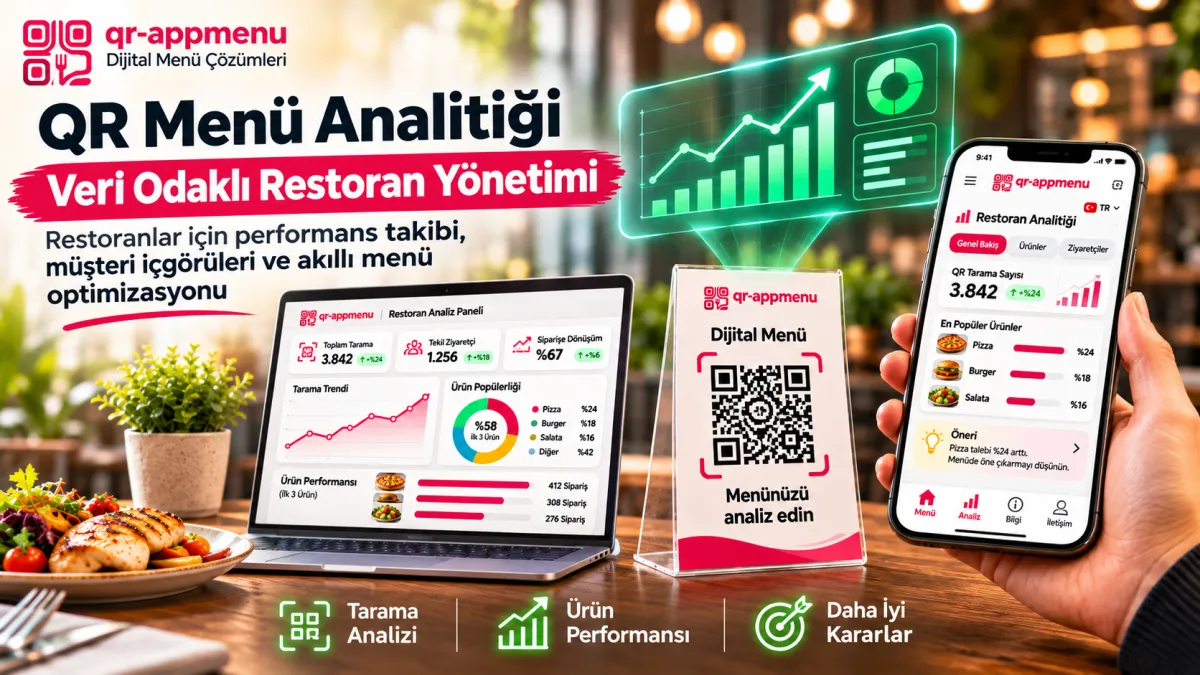
Assess digital menu software such as QR AppMenu for product presentation, languages, photos, labels, and update workflows. Specify separate PMS, POS, room-service, or request-management requirements when planning operational automation. See the Digital Menu Platform Selection Guide for broader selection criteria.
What a hotel can actually do with a QR menu
Consider a lobby café, pool bar, and an information card placed in a guest room. A guest can scan a link to browse drinks, breakfast options, and images; when configured accurately, they can select Turkish, English, Russian, or Arabic. Product descriptions and allergen/label filters may make choices clearer. But none of these steps submits an order to a kitchen or charges the guest's room account.
What room-service software must additionally do
Actual room service requires order capture, room verification, kitchen routing, billing or room charges, and delivery handling. QR AppMenu is not presented as a PMS-connected room-service or concierge application. If a hotel uses a separate order workflow, its menu card should explain that honestly, such as “Call room service to order.” That instruction describes hotel operations, not a software integration.
A guest-facing publication checklist
- Use “View menu” for browsing; use “Order now” only when a working ordering path exists.
- Explain if room-service prices or items differ from those shown for the lobby.
- Review each language and obtain kitchen approval of allergen details.
- Offer a workable alternative for guests without connectivity or a suitable phone.
This keeps the menu useful without implying automatic room detection, housekeeping, or PMS integration.
Conclusion
QR-linked menus can improve access to current product information in hotels, but a menu link is not an end-to-end room-service system. Explicit scope makes procurement decisions more reliable.
Frequently Asked Questions
Can the QR menu system integrate with hotel management software (PMS)?
Do guests need to enter their room number manually?
Can only food be ordered through the QR menu?
Can guests without an internet connection use the system?
How does multilingual support affect hotel operations?
Does using a QR menu reduce labor costs?
Related Posts